 Reddy2Help
Voice tools can make technology education more accessible
Students can use free voice and speech tools to make digital work easier to access, revise, and share.
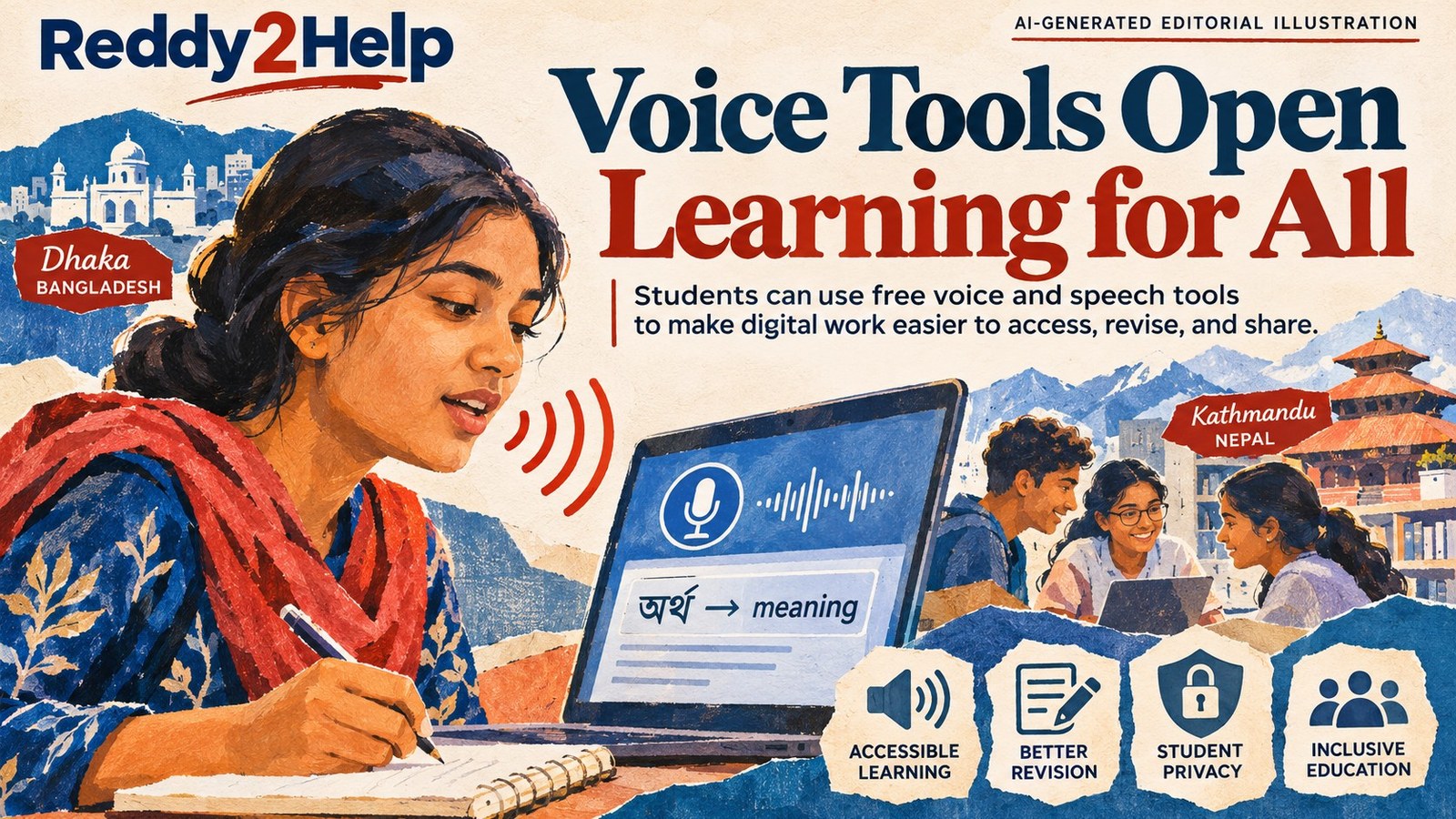
Access is more than a screen
A laptop is not equally easy for everyone to use. Small text, unfamiliar spelling, slow typing, and a lesson built around reading can turn a useful tool into a closed door. Technology education should ask not only whether a student can reach an AI tool, but whether the tool lets them participate in a way that suits them.
Voice technology education offers one practical route. A student can speak an idea, listen to a draft, or ask for a difficult word to be explained aloud. This is not a replacement for reading and writing. It is another way into the same work, especially when a student is still building confidence in the language of instruction.
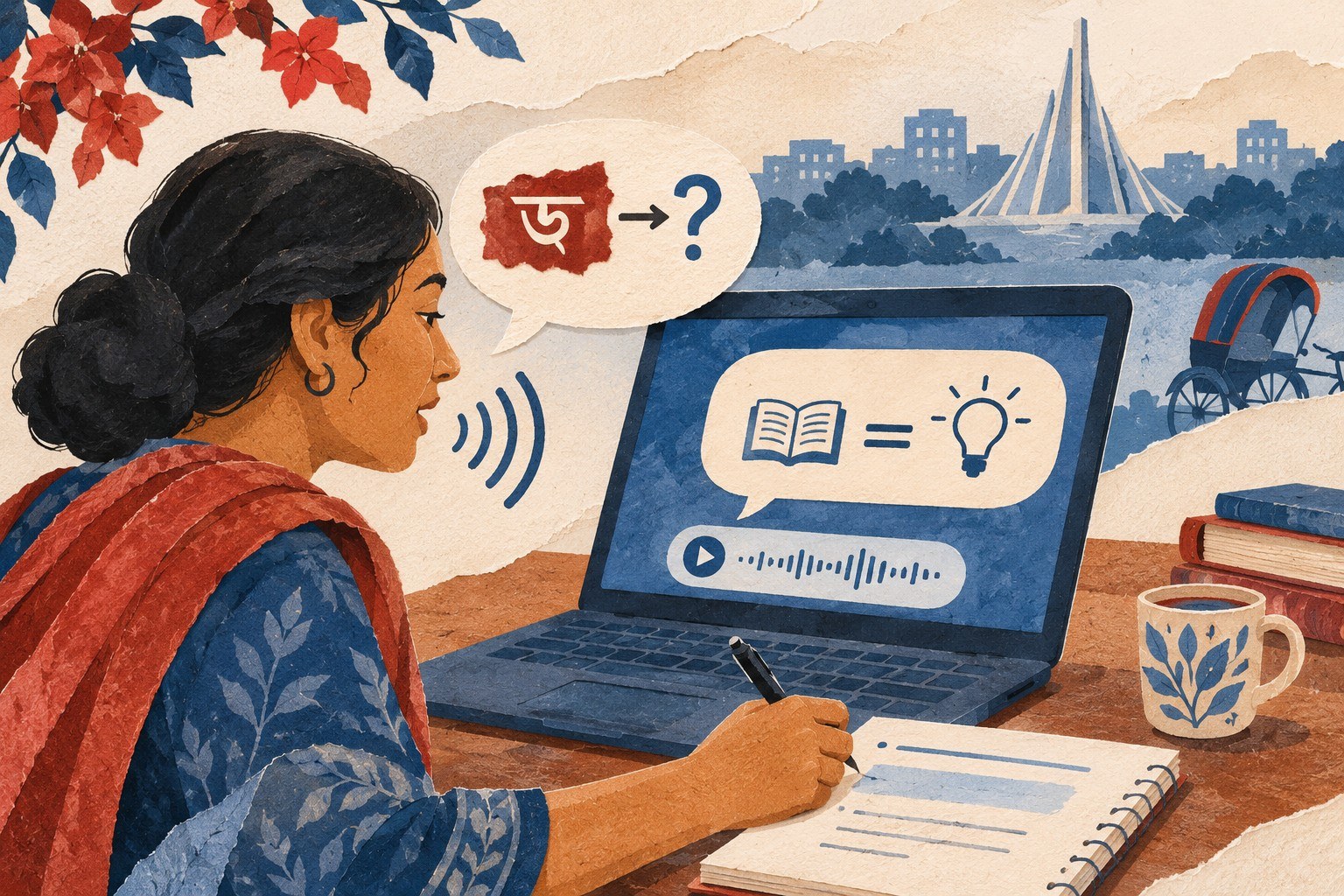
A voice prompt is still a prompt
Speaking to an assistant does not remove the need to think carefully. Students still need to explain what they want, check the response, and decide what should be changed. In a session at the Asha school, the useful lesson would not be that a voice tool can produce an answer. It would be that a clear question produces a more useful starting point.
A teacher could ask students to make the same request in two ways: once as a short command and once with the audience, purpose, and limits included. The class could then compare the responses aloud. That exercise makes prompt design visible without treating technology as magic.
A good lesson with accessible AI tools can include:
- saying the intended audience before asking for a draft
- asking the tool to use simpler language without changing the meaning
- listening for a mistake instead of trusting fluent speech
- rewriting the result in the student’s own words
Listening can reveal mistakes
Audio changes how a draft feels. A sentence that looks acceptable on a screen may sound confusing when read aloud. A repeated idea becomes easier to notice. A missing step in an explanation can leave a listener waiting for information that the writer assumed was obvious.
Students can use text to speech learning as a revision tool, even when they do not need it for access. They might listen to instructions for a simple project, a short explanation of a science idea, or a description of how to use a public service. The point is not polished audio. The point is discovering where communication breaks.
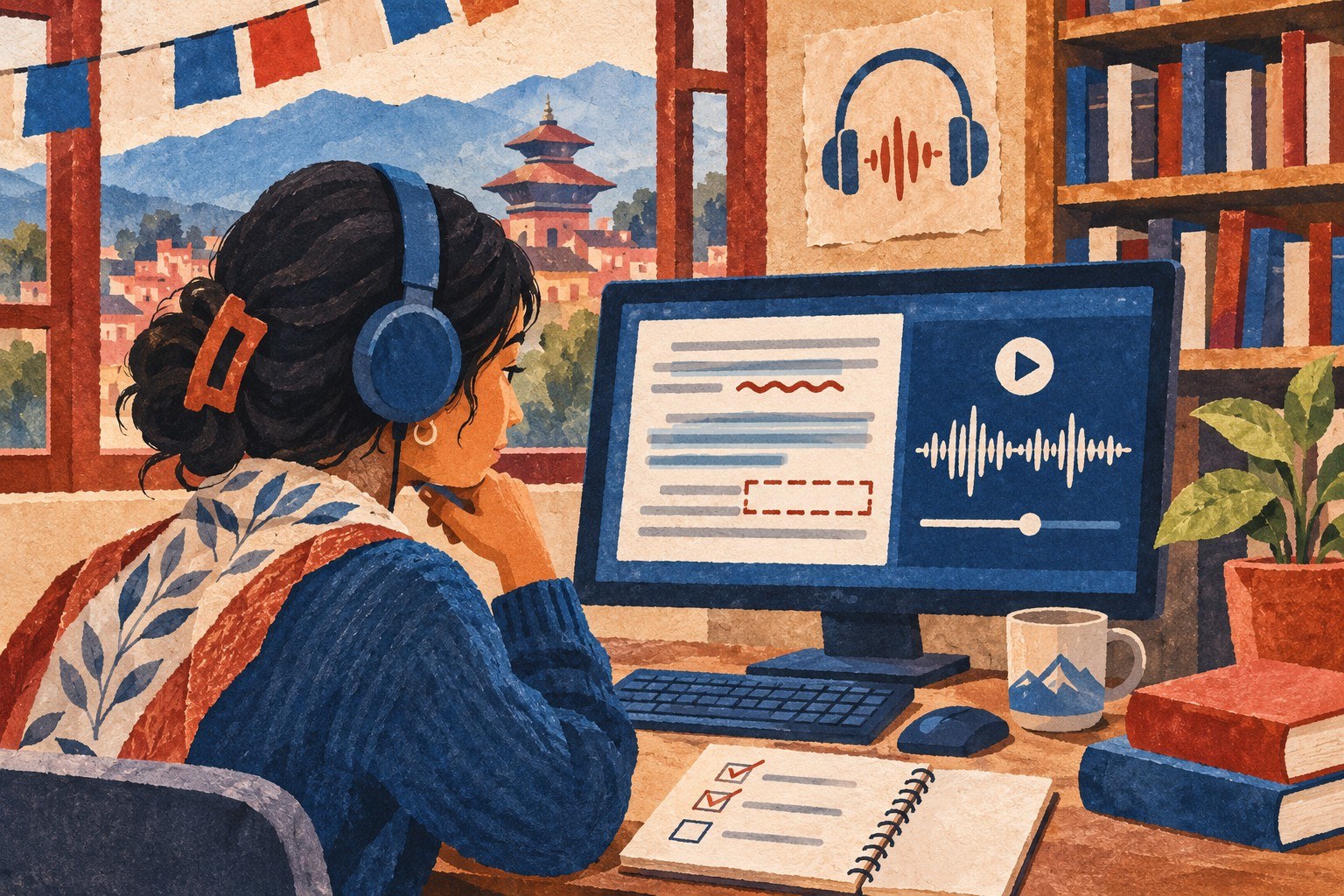
The human voice needs protection
Voice technology also creates a privacy question. A recording can contain a name, a location, a family detail, or another person’s voice. Students should learn that convenience does not make every recording safe to upload, and that an assistant does not need personal information to help improve a sentence.
The safest classroom practice is to work with invented examples or material the student is allowed to use. A teacher can have students remove identifying details before creating a transcript. They can also compare a private note with a version suitable for sharing, so student privacy becomes part of the editing process rather than a warning added at the end.
This matters for Reddy2Help because access should not require students to trade away control of their own information. A tool that helps someone participate is useful only when the way it works is understandable and the boundaries are clear.
Build for the room you have
Voice features may fail in a noisy room, with an unreliable connection, or when the available language is poorly recognized. Those limits are not reasons to abandon the idea. They are reasons to give students more than one method. A lesson can pair speech with typing, drawing, reading, and peer explanation.
Students can test a workflow and record what happened:
- what the tool understood
- where the response needed correction
- which step worked without an internet connection
- what a person still had to decide
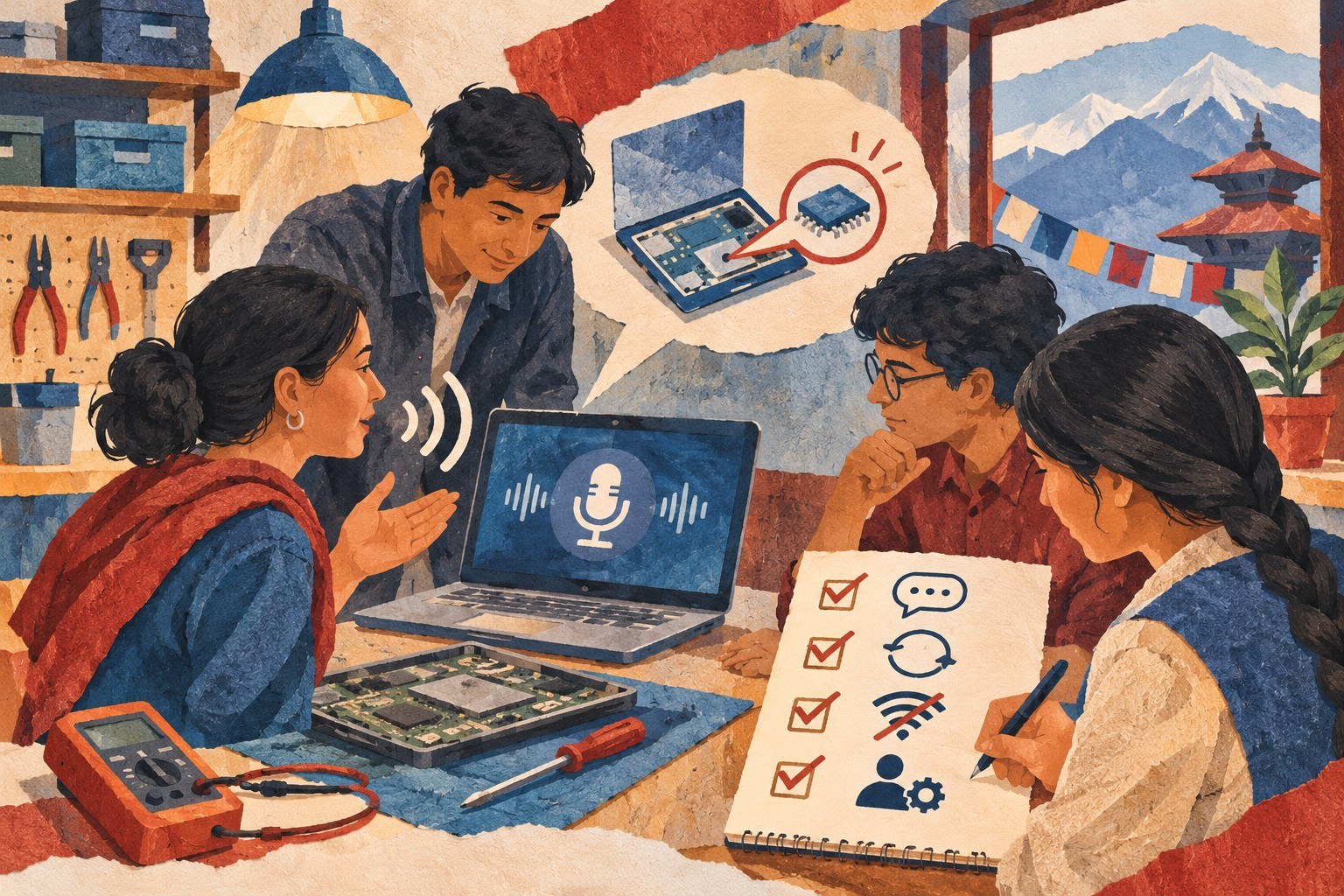
The result is a broader definition of digital accessibility. Students are not only learning to operate an application. They are learning to notice who can use it, who cannot, and what changes would make the work more open. That is the kind of knowledge that can travel from a classroom to a workplace, a community group, or a home where the available device is not ideal.
Can voice and text-to-speech tools make AI education more accessible?
Voice and text-to-speech tools can give students another way to enter, revise, and share digital work, especially when typing, reading, or the language of instruction creates a barrier. Reddy2Help treats accessibility as part of technical education, while teaching students to check AI outputs and protect personal information.