 Reddy2Help
Students should learn to debug AI workflows
AI becomes more useful when students learn to find where a task went wrong instead of treating every bad result as a mystery.
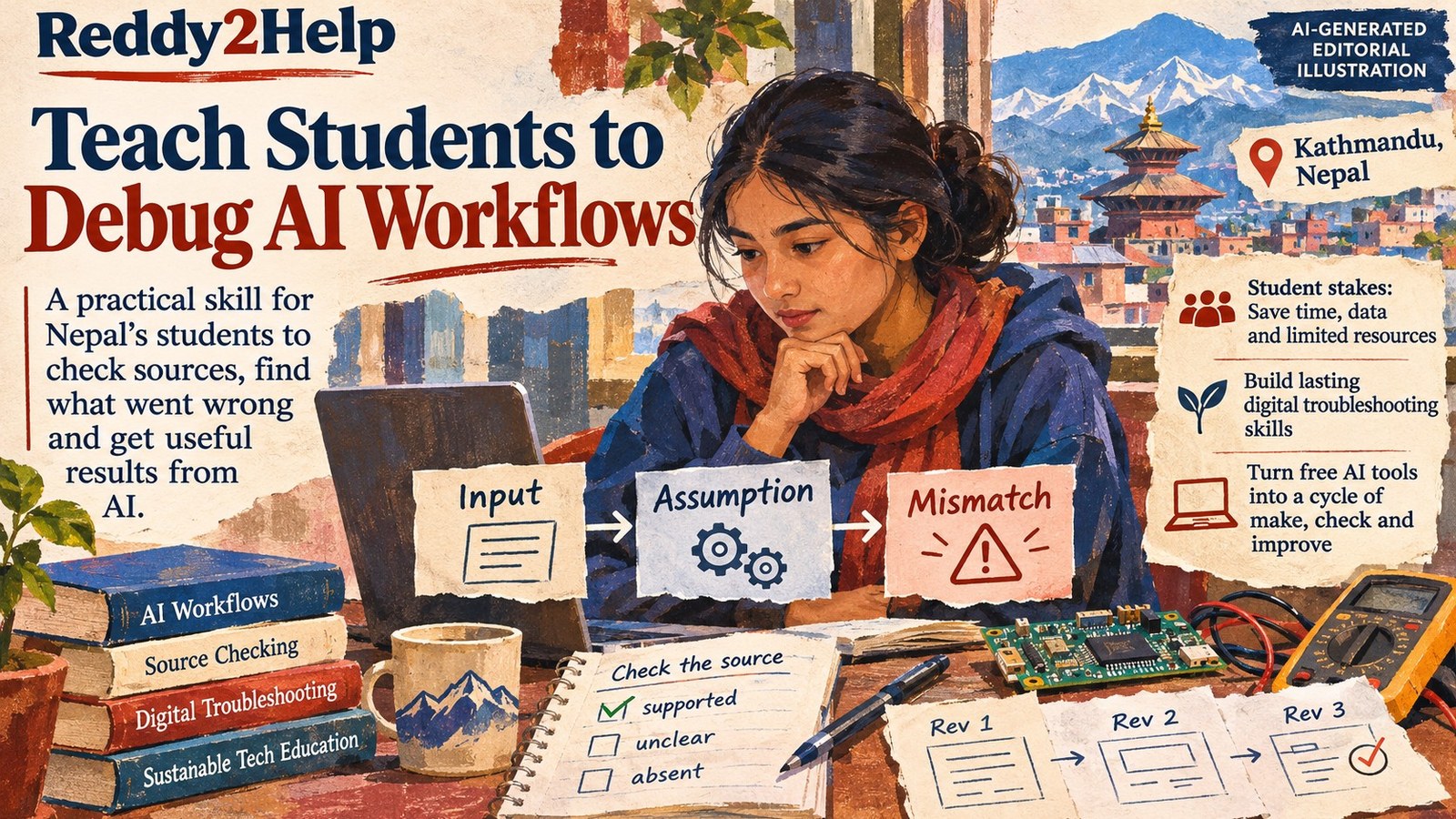
A bad answer is a starting point
Many first lessons about AI stop when the tool produces a plausible answer. That leaves students with a difficult habit: accept the result if it sounds confident, or reject the whole tool when it does not. A better lesson treats the answer as one step in a process that can be inspected.
At Reddy2Help, this is part of making technology education useful for young people who may not have money for specialist software or advice. Students do not need a paid debugging platform. They need a way to ask what they supplied, what the tool assumed, and where the result stopped matching the task. This is the starting point for AI workflow debugging.

Follow the work, not the magic
A simple AI workflow usually has several parts: the question, the source material, the instructions, the generated result and the person checking it. If a student asks for a clear explanation and receives a confusing one, any of these parts could be responsible. The prompt may be vague, the source may be incomplete, or the request may ask for too many things at once.
We can teach students to change one part at a time. They might keep the source text and rewrite the instruction, or keep the instruction and replace the source. This is more useful than repeatedly pressing generate and hoping for a better answer. It also builds a transferable habit for spreadsheets, websites and other digital tools.
A student debugging an AI task can ask:
- What was the task supposed to produce?
- Which information did the tool actually receive?
- What part of the result is wrong or missing?
- What single change should be tested next?
Evidence belongs in the workflow
Debugging is not only about making an answer sound better. Students also need to check whether the result is supported by the material they provided. This source checking matters because an AI system can arrange words smoothly while adding a detail that was never in the source. A polished paragraph is not evidence that the underlying work is correct.
In a classroom exercise, a student could compare an AI summary with a short passage and mark each claim as supported, unclear or absent. The point is not to punish a wrong answer. The point is to show that checking belongs between generation and use, especially when the work will be shared with another person.
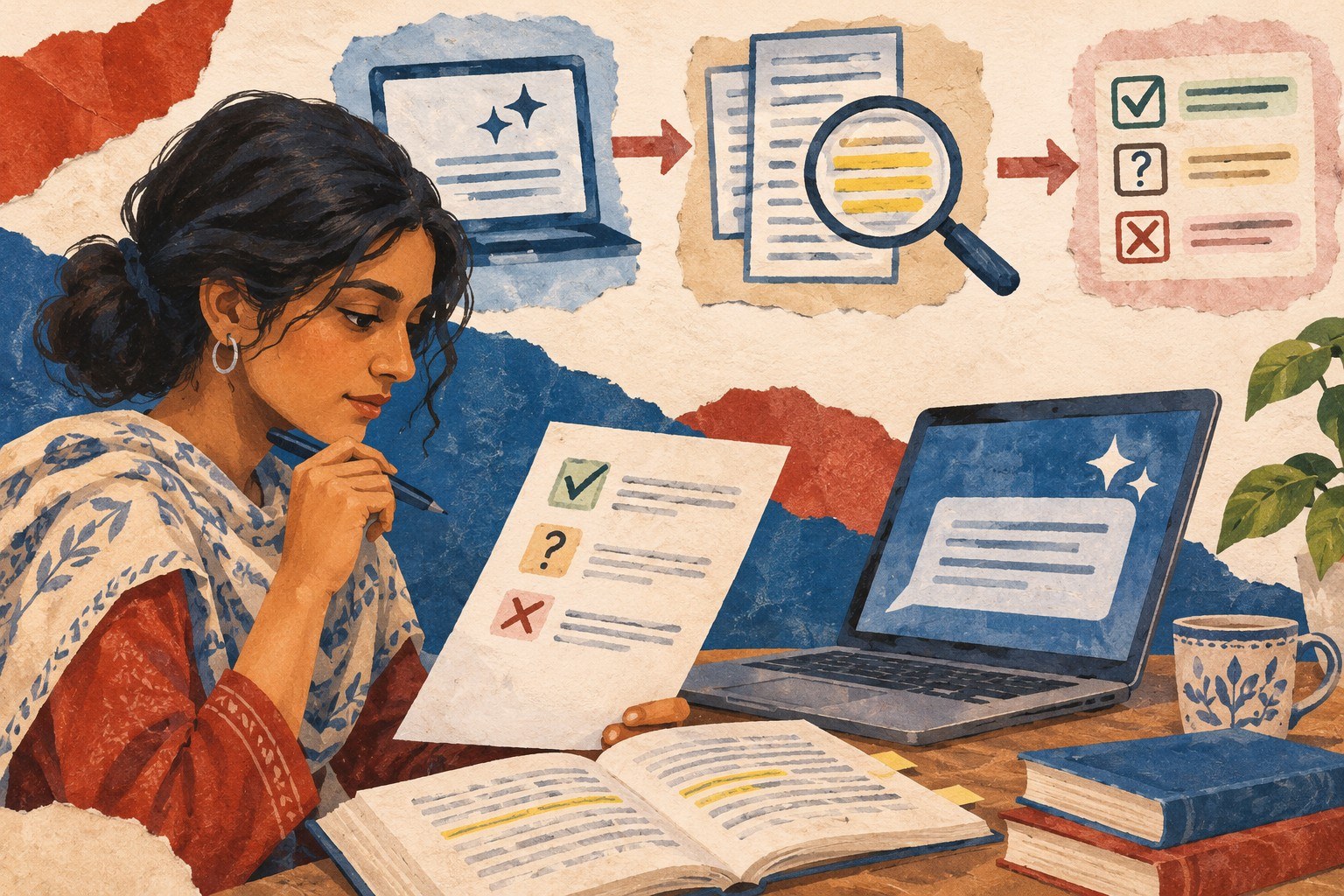
This practice also gives students language for explaining a failure. “The tool is bad” is difficult to act on. “The source did not include the date, so the answer guessed” tells the student what to change and tells a teacher what to review.
Debugging can save scarce resources
For young people with limited access to devices, time and paid services, a repeatable troubleshooting method matters. A failed attempt should not automatically mean starting over. Students can save the useful part, identify the broken step and try a smaller test before using more of their limited time.
That approach applies beyond AI. Someone preparing a flyer can check whether the problem is the wording, the layout or the image file. Someone building a small website can test the content, the link and the display separately. This is digital troubleshooting: the tool changes, but the habit of isolating one cause remains useful.
The goal is not to make every student a programmer. It is to help them move from frustration to a next action:
- describe the intended result
- locate the first mismatch
- test a focused change
- check the new result against the original need
The skill remains when the tool changes
AI products will change their names, interfaces and limits. A student who memorizes one set of buttons may have to begin again. A student who knows how to inspect a workflow can approach a new tool with better questions, even when the screen looks different.
This is why debugging deserves a place in sustainable technology education. It turns free tools from answer machines into materials for practice. Students learn that useful work is not the first output. It is the cycle of making, checking, explaining and improving.
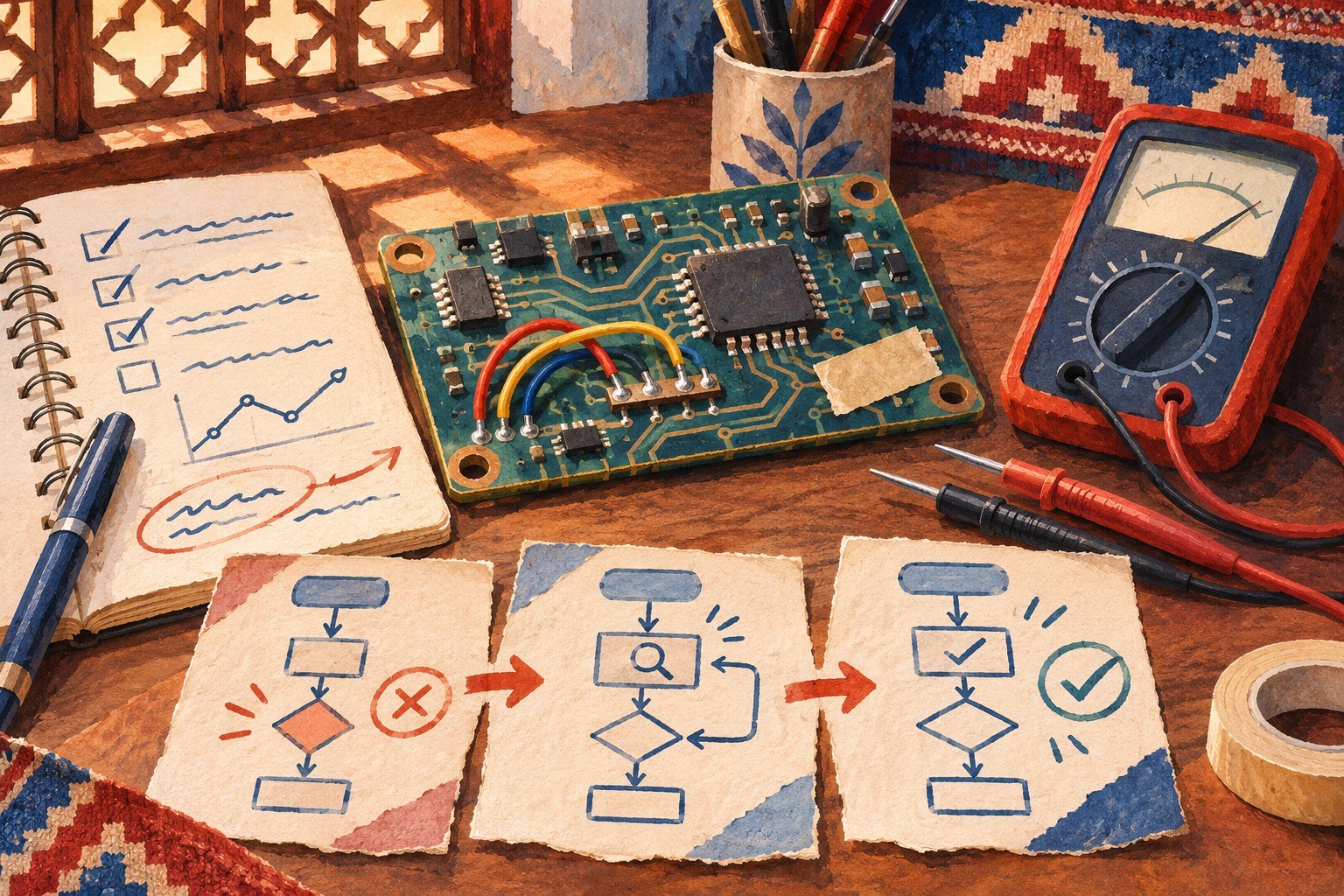
Reddy2Help’s work is aimed at widening access to that cycle. The important resource is not a perfect prompt or a particular app. It is the confidence to notice when something failed, understand why it failed and make a careful next attempt.
How can students learn to debug AI-generated work?
Students can debug AI-generated work by separating the task into its question, source material, instructions, result and review. They should change one part at a time, compare claims with the supplied evidence and test the revised result against the original need. Reddy2Help teaches this as a transferable digital troubleshooting skill rather than a lesson tied to one AI app.