 Reddy2Help
Technology education should include how to keep devices working
Students gain more from digital tools when they learn how to maintain, repair and share the devices those tools depend on.
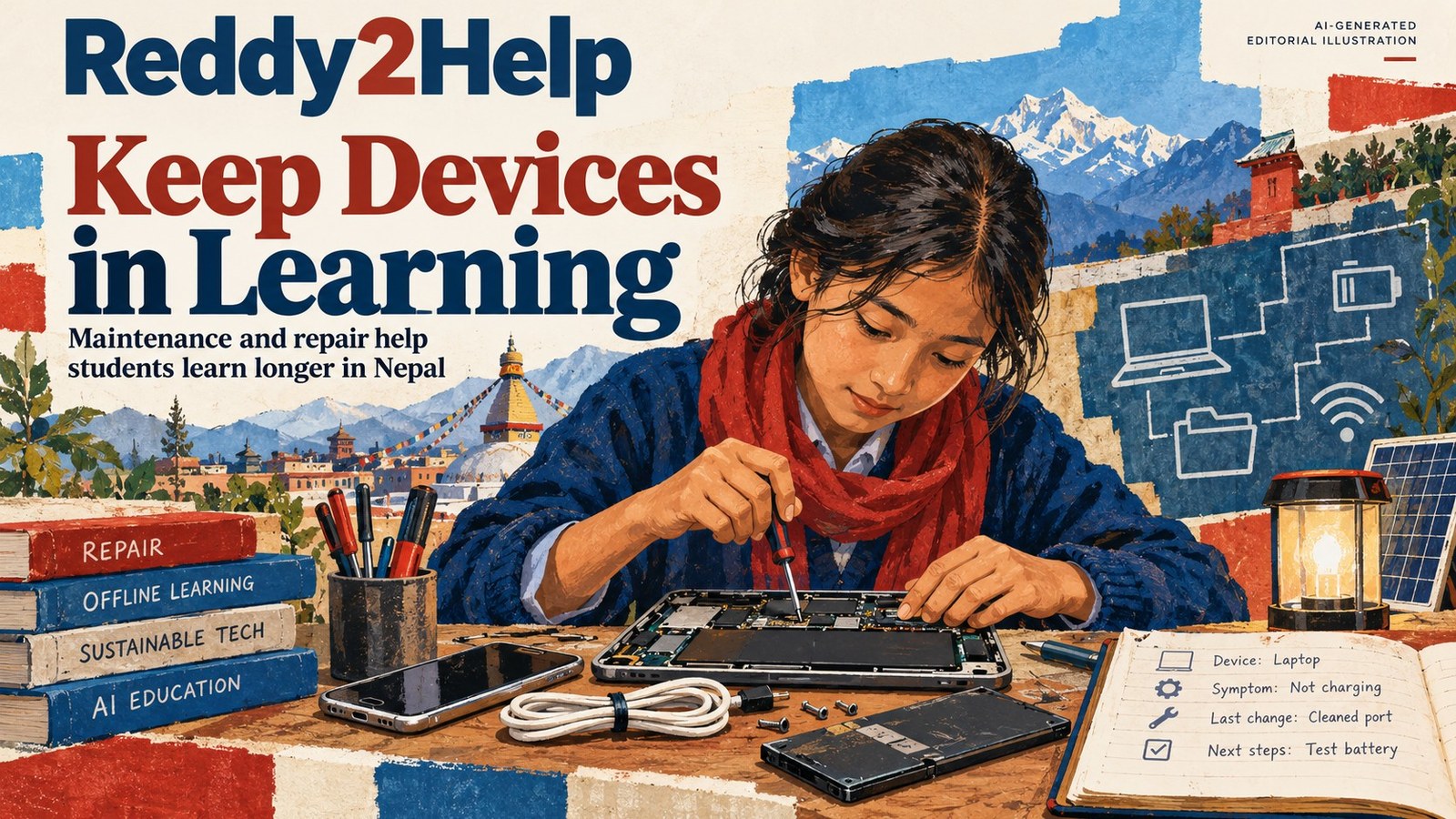
The lesson after the first login
A technology lesson often begins with the moment a student opens an app. It should also include what happens when the charger is lost, the keyboard stops responding or the device becomes too slow for the newest software. For a school working with limited equipment, device maintenance is not a side issue. It determines whether practice continues next week.
This is a different kind of AI education. Students do not only need to ask a tool for help. They need to understand the small chain that makes the request possible: a working device, stored files, a power source, a connection when one is required and a way to recover when any link fails.

Repair is a form of digital confidence
A student who can identify a damaged cable, clean a keyboard safely or free space for an important file has learned something more durable than a menu path. The student has learned not to treat technology as magic that works until it does not. That confidence can make experimentation less expensive and less intimidating.
The work can start with ordinary objects rather than a new purchase. A class might examine:
- which parts of a device are easy to replace
- how to label chargers and store them together
- how to back up work before changing software
- which problems need an adult or trained technician
These are practical boundaries, not a test of whether a student can take apart a machine. Safe maintenance includes knowing when not to open a battery or make an electrical repair.
What a teacher can make visible
A teacher can turn a failing device into a lesson without presenting the failure as embarrassment. The class can list what the device is supposed to do, observe what it actually does and separate a software problem from a power or hardware problem. That process gives students a method they can reuse when an unfamiliar tool behaves badly.
It also creates a record that another person can understand. A short repair note might include the device, the symptom, the last change made and the work that is still available. Clear notes matter in a classroom, a household and a future workplace because they reduce the time spent guessing.
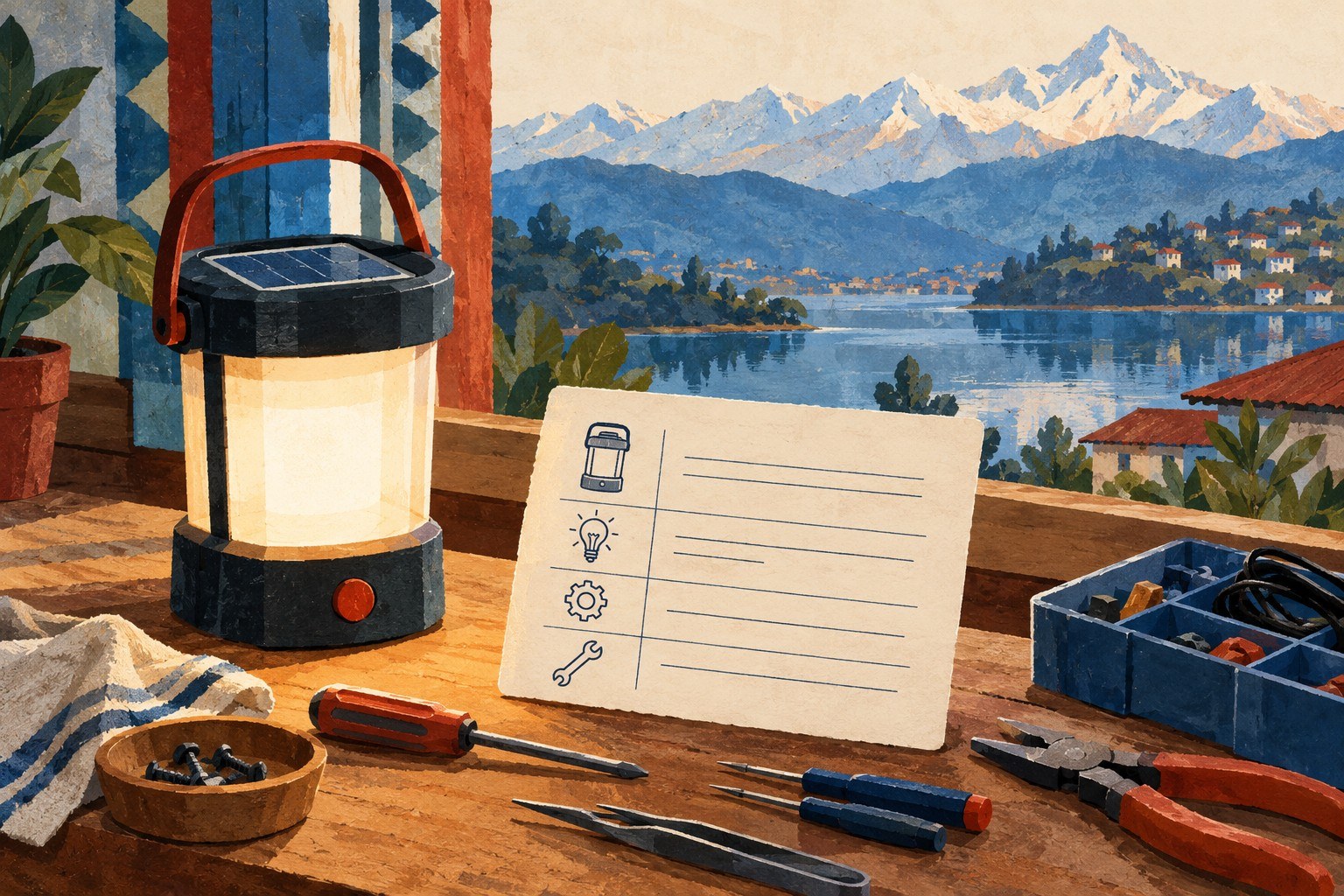
Tools should fit the conditions around them
A digital project is stronger when it can survive the conditions in which people actually work. A student preparing an explanation, budget or translation may need a local copy, a plain-text version or a paper backup. The best choice is not always the newest application. It may be the tool that opens on an older laptop and leaves behind a file someone else can use.
This is where repairable technology and offline learning meet. A school does not need to promise that every service will remain available. It can teach students to ask better questions about a tool before depending on it:
- Can the work be saved in a common format?
- What happens without an internet connection?
- Is there a safe way to update or reset the device?
- Can someone else continue the work if the original user is absent?
A cheaper definition of access
Access is often described as owning a device or reaching a signal. Those things matter, but access also includes the ability to keep using what is already available. A borrowed laptop that is maintained carefully may support more learning than a newer machine that nobody knows how to troubleshoot.
That principle connects directly to Reddy2Help’s work in sustainable tech education and AI education. The point is not to make young people dependent on a particular company or application. It is to give them enough understanding to choose tools, protect their work and keep learning when equipment is old, shared or imperfect.

A student who learns repair does not become a technician automatically. They do gain a clearer sense of where technology begins and ends. That is valuable when AI is presented as effortless. Every answer still depends on equipment, energy, files and human judgment, and students deserve to understand all four.
How can schools teach AI skills when their devices are old or unreliable?
Schools can combine AI lessons with device maintenance, offline learning and safe backup practices. Reddy2Help treats sustainable tech education as part of access because students need to keep using available equipment, not only learn a particular application.