 Reddy2Help
Paper notes become usable when students can turn them into text
Free OCR and camera-based text tools can turn handwritten or printed pages into searchable, translatable material that students can work with on basic devices.
The hidden barrier is still the page
In many schools, the first version of a lesson is still paper. It is on a worksheet, on a noticeboard, in a borrowed textbook, or written by hand in a notebook. That matters because most free AI tools cannot help with information they cannot easily read.
A student may have access to a shared phone or an old laptop and still be blocked by this step. If the useful material stays trapped in a photo, the learner cannot search it, translate it, copy a section, or ask better questions about it. The problem is not only access to AI. It is access to usable text.
A camera can act like an input tool
This is where optical character recognition, or OCR, quietly becomes important. Many phones now copy text from a camera image. Some free apps do the same. A page that looked fixed can become words a student can edit, save, translate, or check against another source.
That changes the value of ordinary school materials. A printed science passage can be turned into plain text and read aloud. A homework question can be translated into a language the student understands better. Notes from a board can become a draft study sheet instead of a blurry photo that is never opened again.
The point is not that every scan is perfect. Handwriting can confuse software, and poor light makes mistakes more likely. The point is that a basic device can now do part of the work that used to need special software, paid tools, or a person typing everything by hand.
Why this matters in low-resource settings
When people talk about digital learning, they often picture students starting with neat files and stable internet. That is not how many classrooms work. Students often begin with mixed materials: paper pages, copied notes, photocopies, signs, forms, and lessons written on a wall or board.
A free text-capture tool helps in exactly that environment because it works with what is already there. It does not ask a school to replace paper before students can benefit from digital tools. It lets paper and digital work together, which is usually the realistic path. In 2013, a schoolgirl in a white uniform reads from an open textbook while two other students stand behind her inside a classroom.
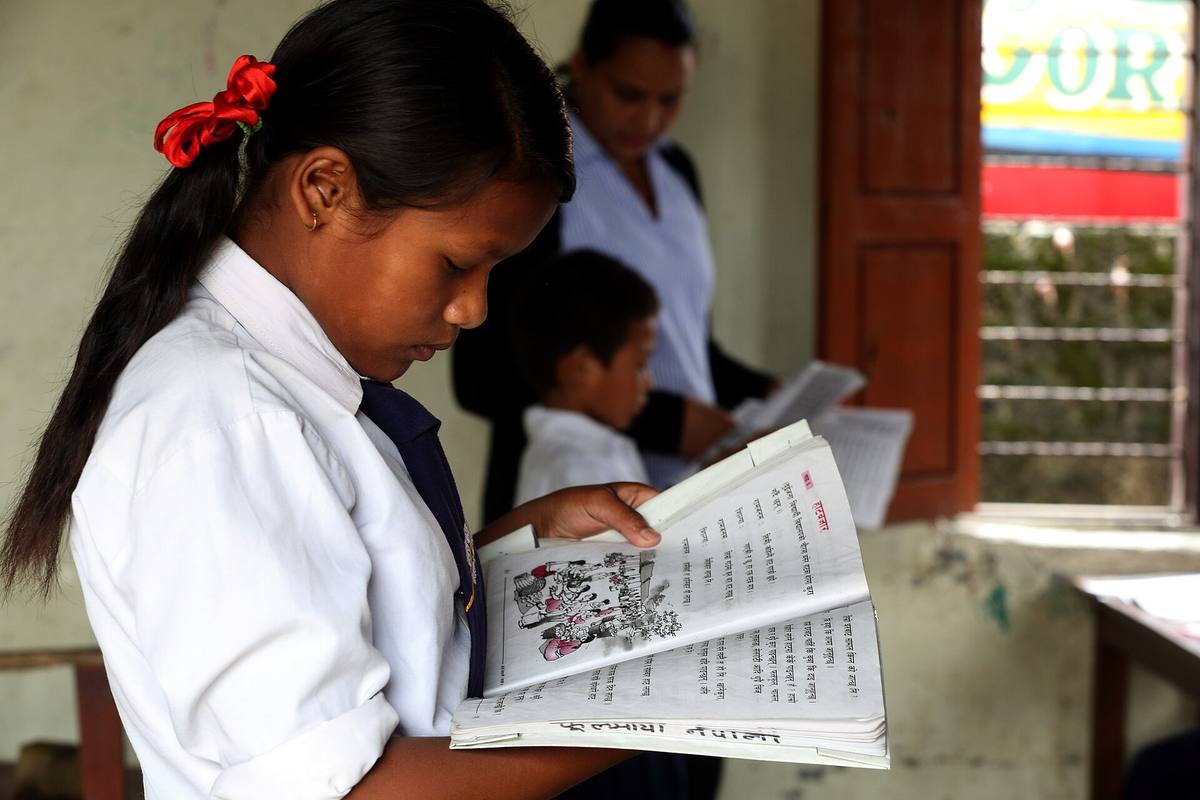
It also helps teachers. If a teacher can photograph a page and turn it into text, they can prepare a simpler version, translate key instructions, or make a quick revision guide. That is a practical use of AI and software support, not a futuristic one.
What students actually need to learn
The useful skill is not only pressing the scan button. Students need a small workflow they can repeat:
- take a clear, well-lit photo of one page at a time
- check the text for OCR mistakes before using it
- save the text with a name they can find later
- separate the original source from any AI summary
- keep important passages so they can compare answers back to the page
This is the kind of training that stretches limited hardware further. A weak laptop becomes more useful if the student already has clean text ready to paste into a document or assistant. A shared phone becomes more useful if it can capture a page, extract text, and pass that text on for later work.
There is also a dignity point here. Students should not have to wait for someone else to digitise information for them. If they can do that step themselves, they gain control over pace, review, and revision. That is a small technical skill with a large effect on independence.
Good access depends on honest limits
These tools are not magic. OCR can misread names, dates, formulas, and messy handwriting. It can flatten page layouts and drop context. If students trust the extracted text too quickly, they can carry an error into every later step.
That is why the lesson has to include checking. Compare the result to the original page. Treat diagrams, tables, and equations carefully. If a sentence matters, read it from the source again. A school does not need to reject the tool because it makes mistakes. It needs to teach where the mistakes usually appear.
For Reddy2Help’s wider argument, this is the important part: a useful entry into technology does not always begin with coding, and it does not always begin online. Sometimes it begins when a student learns how to turn the material already in their hands into something searchable, translatable, and easier to study. That is a cheap skill to teach, and it opens the door to many others.
How can students use free AI tools if most of their school material is still on paper?
Students can get far more from free AI tools when they first turn paper notes, worksheets, and textbook pages into usable digital text. Reddy2Help’s view is that camera-based OCR and text capture are practical access skills because they let students search, translate, organise, and check the material they already have.