 Reddy2Help
Useful AI should work before the internet does
AI education reaches more people when lessons are designed for unreliable connections, shared devices and work that can continue offline.
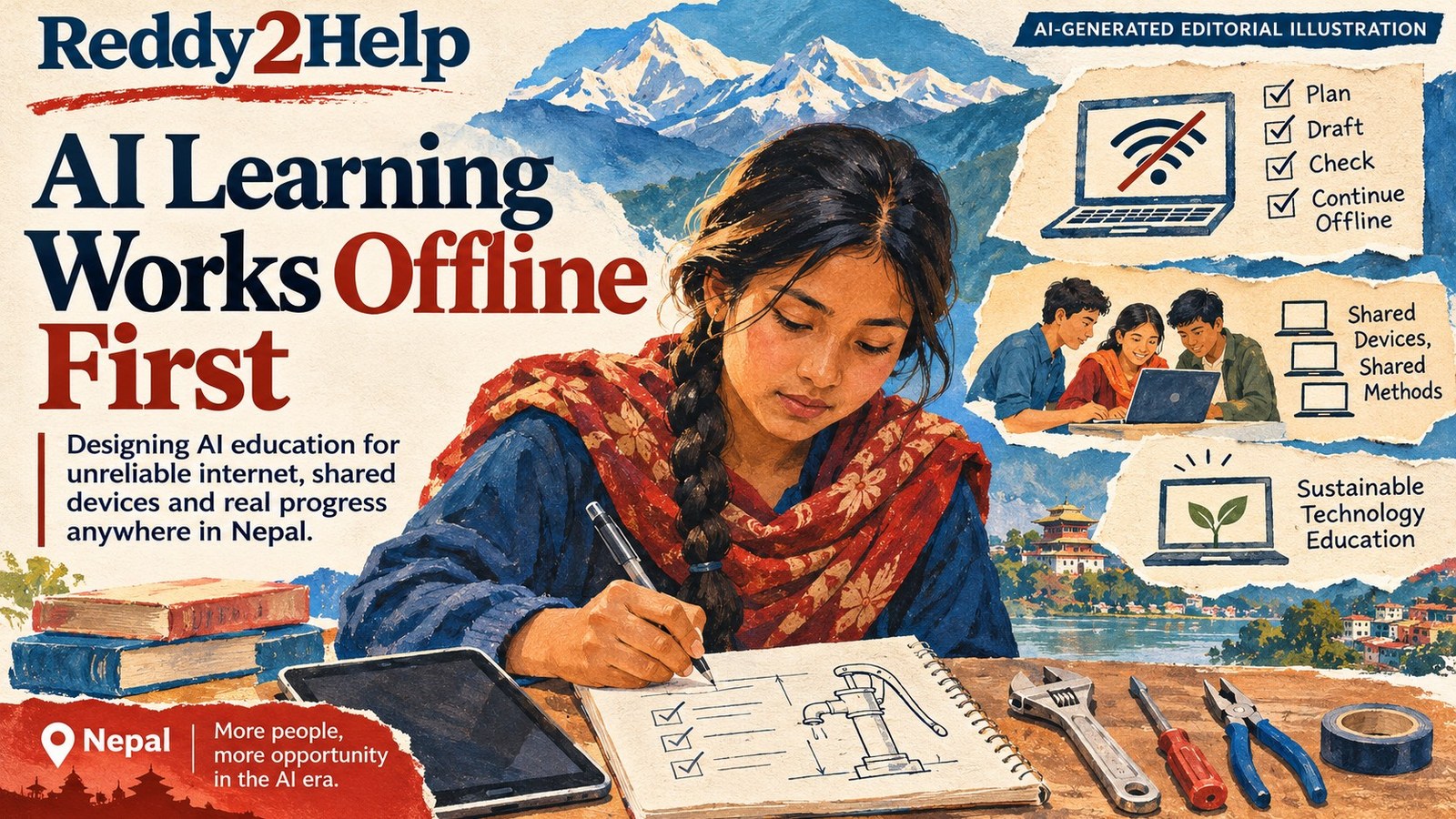
The connection is part of the lesson
A useful AI lesson cannot assume that the internet will be available whenever a question appears. Unreliable internet learning should still give a learner a way forward when they are working from a shared room, a borrowed laptop or a phone whose data must last until the end of the month. When the connection fails, the lesson should not become an empty screen.
Offline-first AI education starts by separating the parts that need a live service from the parts that do not. A student can plan a request, organize source material, draft instructions and check an answer without sending anything online. The network becomes one tool in the process, not the condition for learning.
Build the work in layers
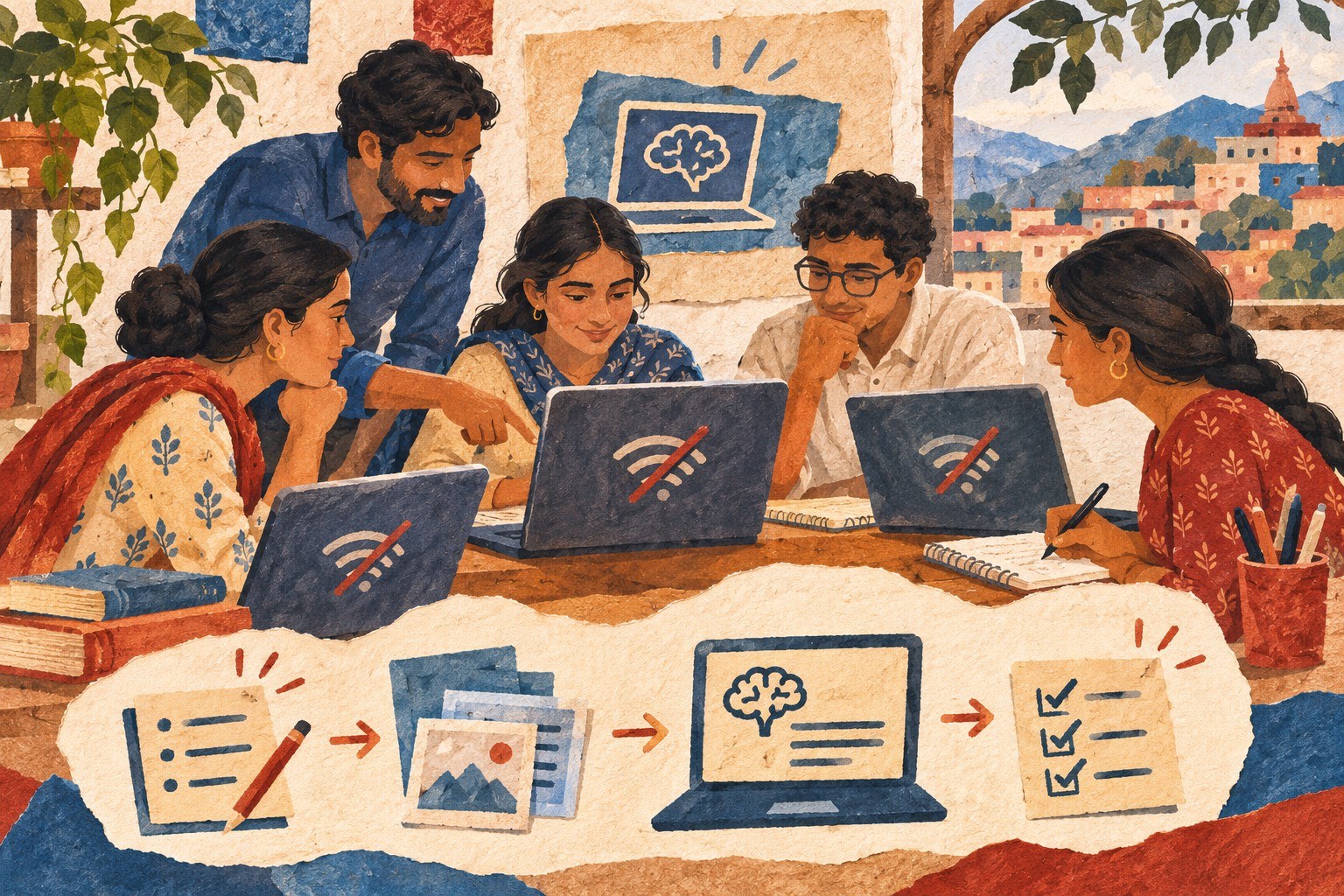
Students can learn to make a project that has a useful offline layer and an optional AI layer. The offline layer might be a clear outline, a spreadsheet, a set of interview questions or a repair checklist. The AI layer can help compare versions, suggest alternatives or turn notes into a different format when a connection returns.
This approach changes what counts as progress. A learner is not stuck because a model is unavailable. They can still improve the question, inspect the information and decide what a good result would contain. Those habits remain useful when the tool changes, and they also make it easier to notice when an online answer is weak.
A practical workflow can look like this:
- Save source notes in a format that opens without a connection.
- Write the task and the intended reader before opening an AI service.
- Mark which parts require current information and which parts are preparation.
- Keep a human-checking step after the connection returns.
Shared devices need shared methods
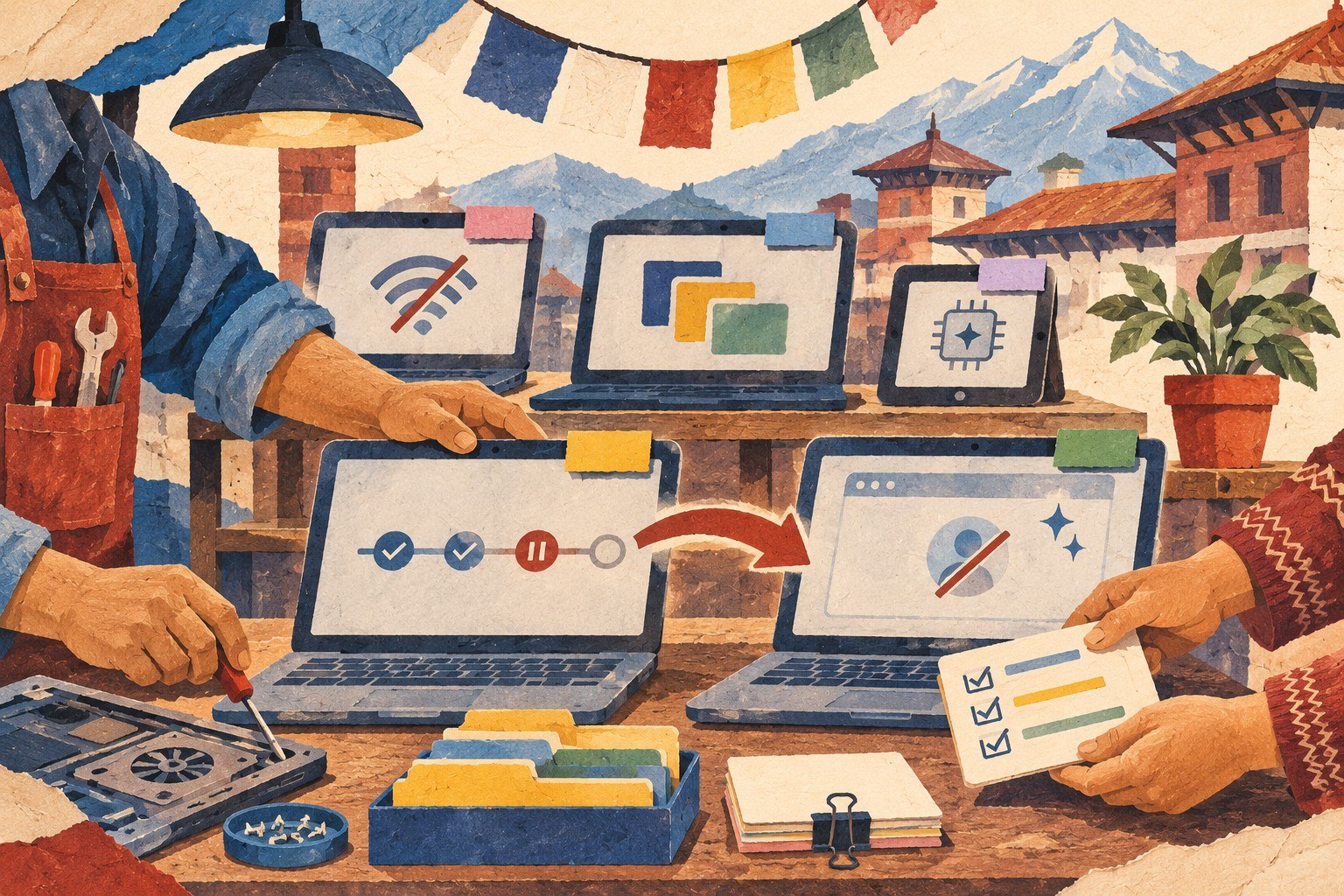
A borrowed laptop is not only a smaller version of a personal computer. Work may need to be handed between people, paused safely and explained to the next person. Students should practice using descriptive filenames, short handover notes and folders that make sense without the original author sitting beside them.
That is also a lesson about privacy. A shared device should not quietly retain somebody else’s personal prompt, document or account session. Before work is passed on, the learner can remove private material, close accounts and leave behind only the files the next person needs.
Small tools can widen the starting point
Offline tools do not need to imitate the largest online systems. A downloaded reference guide, a local text editor, a simple calculator or a small language model can support a narrow task. The important question is not whether a tool sounds advanced. It is whether it helps someone complete a real piece of work with the equipment and connection they actually have.
Teachers can compare tools by asking what happens when the network disappears. A tool deserves a place in a lesson when students can understand its limits, export their work and continue with another method. This keeps technology education focused on capability rather than attachment to a single company or interface.
The comparison can include:
- What the tool can do without sending data away.
- Whether its files open in ordinary software.
- How much storage, power and bandwidth it needs.
- What a learner can do when its answer is unavailable or wrong.
Design for the day the signal fails
Planning for weak connectivity is not a prediction about one community. It is a way to make education less fragile. Power cuts, crowded networks, travel and device sharing can interrupt any digital project. A lesson that includes an offline route gives students a way to keep thinking instead of waiting for access to return.
Reddy2Help’s work in sustainable technology education can treat this as a basic design requirement. The aim is not to make learners grateful for a difficult setup. It is to help them identify the part of a task that belongs to their own judgment, then use AI when it genuinely adds value.
The strongest AI lesson may therefore begin with the screen turned off. Ask the learner to define the problem, gather what they know and sketch the result for another person. When the connection returns, the tool has a clear job, and the learner remains in control of the work.

How can students learn AI when their internet connection is unreliable?
Students can learn AI by preparing questions, organizing information and building offline parts of a project before using an online service. An offline-first method keeps learning moving through weak connections and helps students judge AI outputs instead of depending on one tool.