 Reddy2Help
AI work should remain useful after the app disappears
AI education gives students more lasting power when they can save, open, and share their work beyond the original tool.
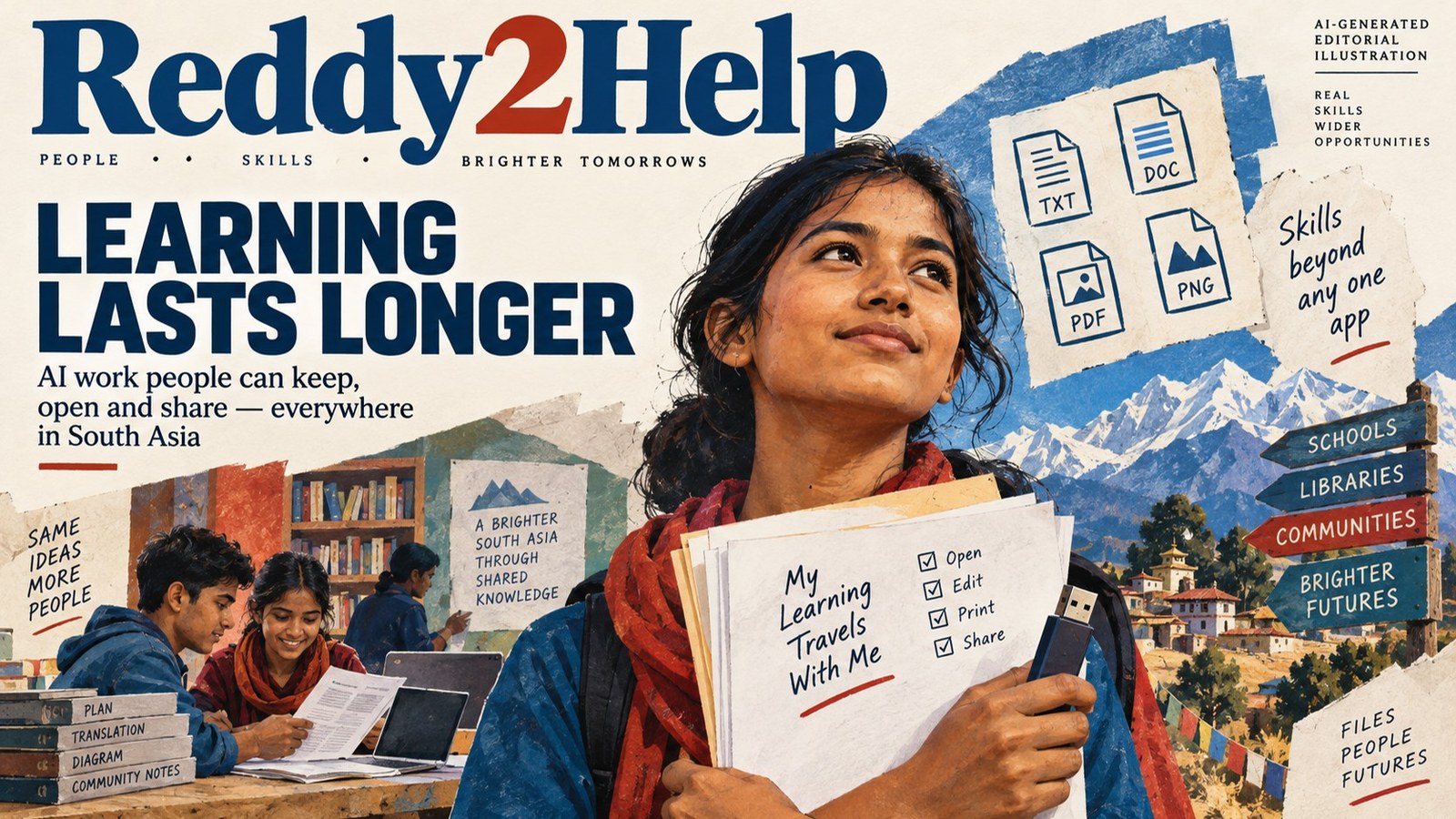
The lesson should outlast the login
An AI lesson can look successful while it is happening. A student asks a question, receives a useful draft, and sees a new possibility. The harder test comes later, when the account is closed, the phone is replaced, the signal disappears, or the tool changes its rules. If the work cannot be opened somewhere else, the lesson has left behind a moment rather than a resource.
This matters most where replacing a device or paying for a new subscription is difficult. AI education should leave people with files they can read, edit, print, share, and explain. A useful result is not only an answer on a screen. It is a letter, a plan, a diagram, a translation, or a record that can keep working after the original tool is gone.
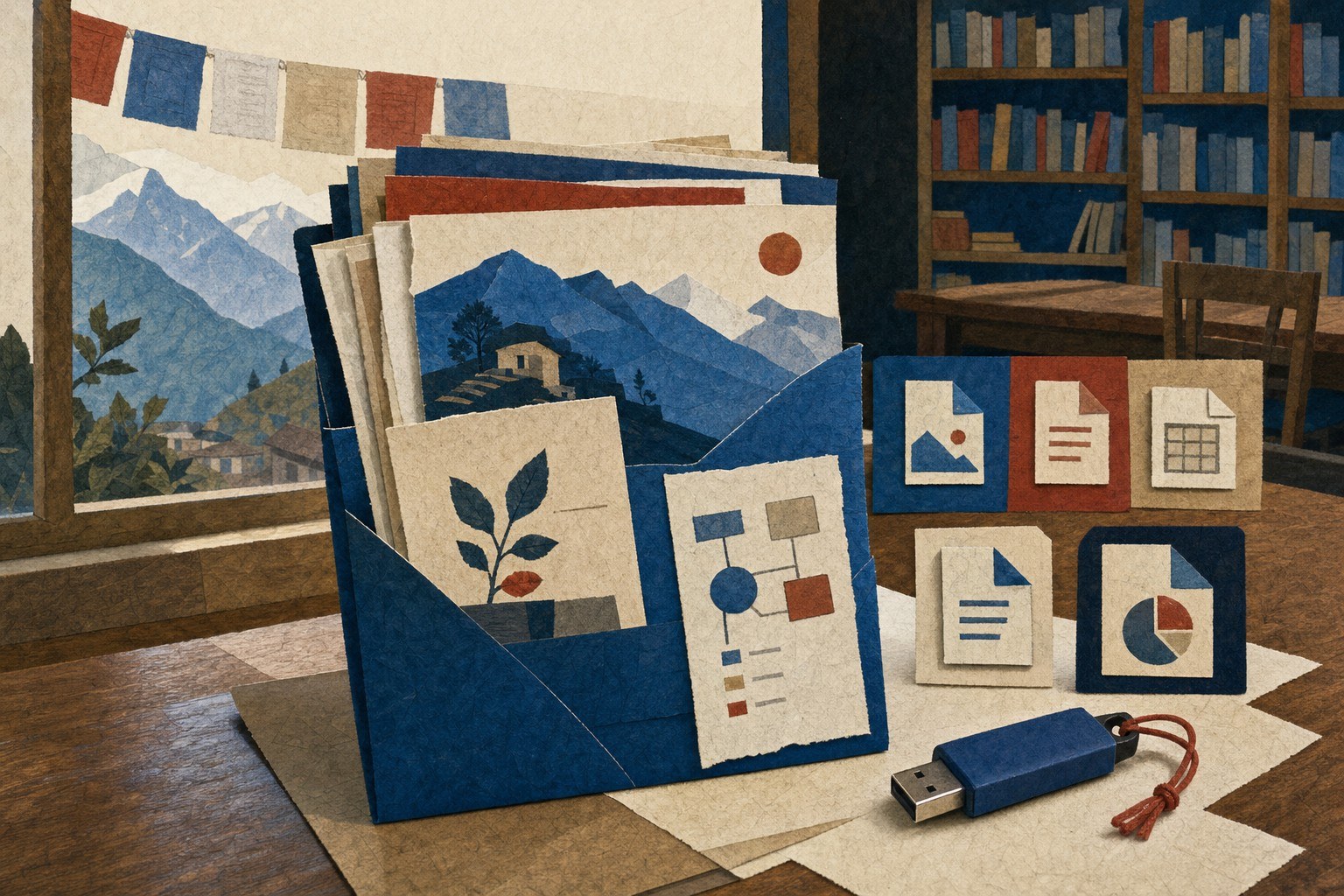
A file is part of the skill
Students are often taught how to produce something before they are taught how to keep it. That order makes sense only when the software is permanent and the account is guaranteed. Neither assumption is safe for families, schools, or community programs working with limited equipment.
A better AI education exercise ends with a handoff. The student saves the useful text as plain text or a widely readable document. They give the file a clear name, add the date, and make a second copy. They open that copy without the original chat and check whether another person can understand it.
That routine teaches more than file management. It teaches that the student owns the work, can inspect it, and can move it. Those are practical protections when a platform changes its pricing, removes a feature, or stores important material in a format nobody nearby can open.
- Save the finished work in a format another program can read.
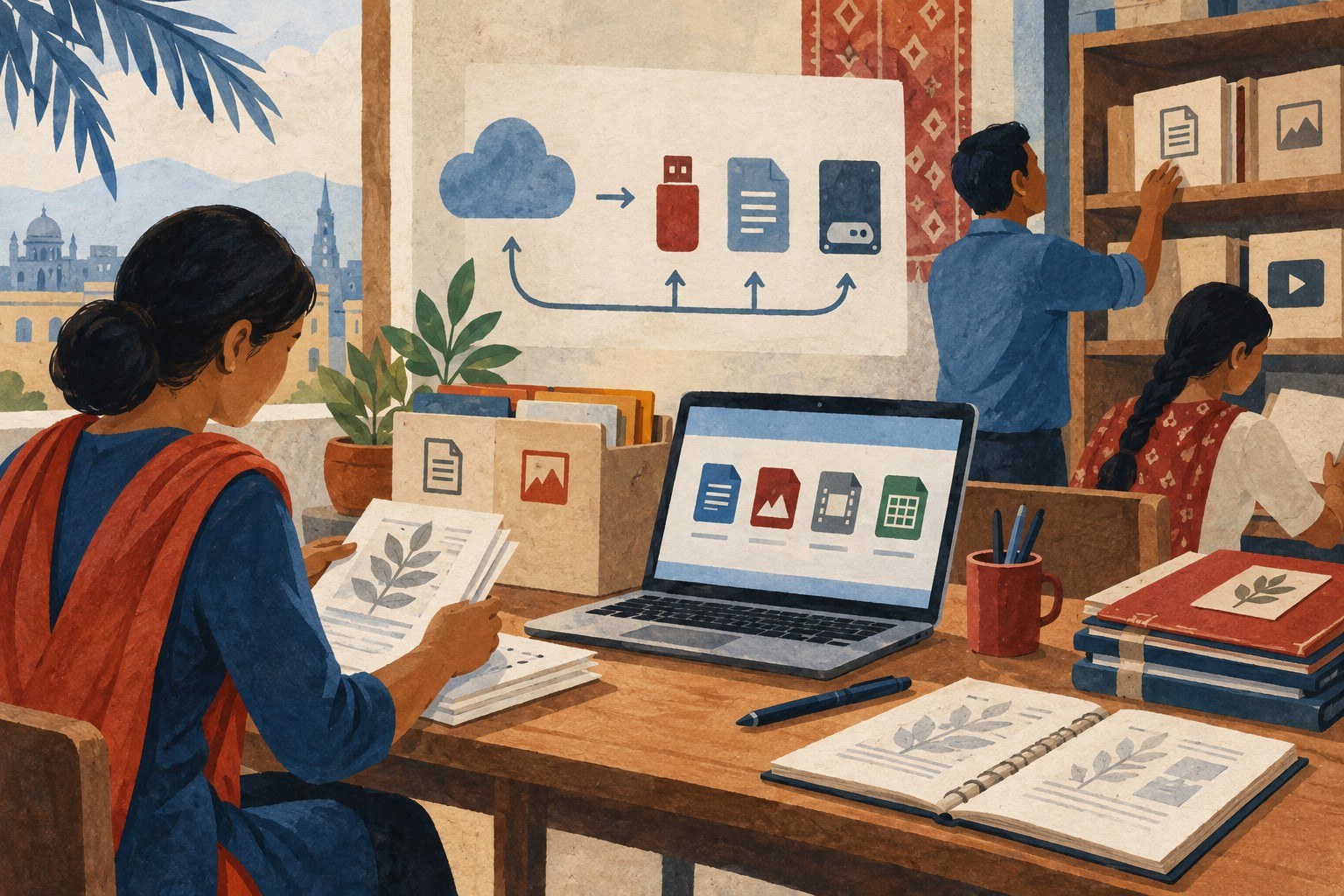
- Keep a copy on a device or drive that does not depend on one account.
- Add enough context that another person can use the file without seeing the original conversation.
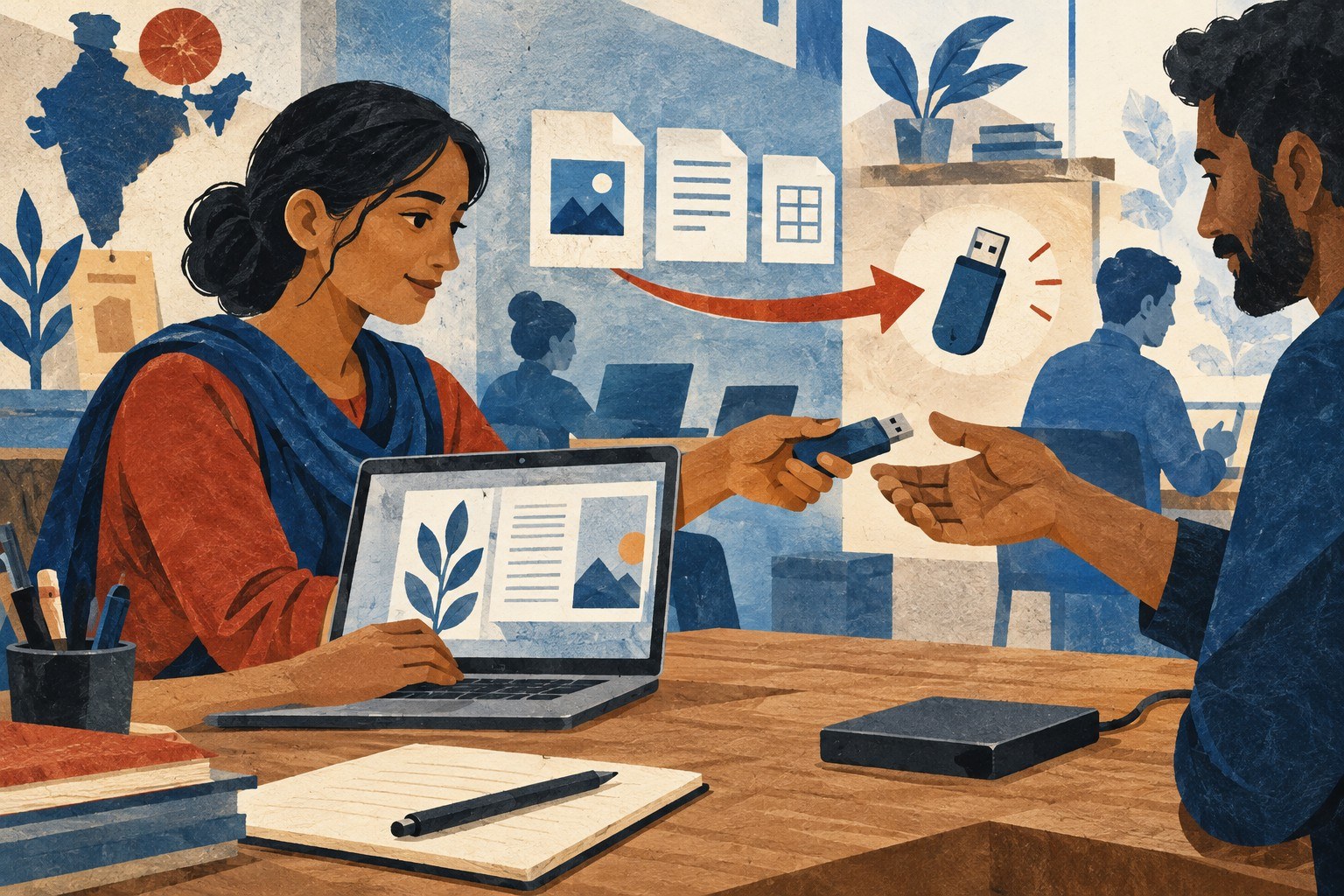
Open formats widen the circle
Open file formats are not exciting, but they are a form of access. A plain text note can be opened by many tools. A common document format can be printed at a library, edited on a different computer, or sent to someone who uses another operating system. The point is not that every file must be simple. The point is that a student should have a practical way to leave a closed system.
This is especially important for digital portfolios. A portfolio can show a repaired instruction sheet, a local-language explanation, a budget draft, or a map of a familiar route. It does not need a polished website to prove that learning happened. It needs readable work, a little context, and a way for another person to access it.
A teacher or volunteer can make this visible by testing whether the file can be opened if the original tool disappears. The answer should not depend on optimism. It should be checked on the equipment actually available.
Access includes the right to leave
Offline access is usually discussed as a way to start using technology when the internet is weak. It is also a way to keep using the result afterward. A downloaded copy, a printed page, or a file moved to shared storage gives a learner more control over the next step.
That control changes the relationship between a person and an AI service. The service becomes a tool used for a task, not the place where the task permanently lives. Students can compare versions, ask another person for help, and return to their own work without repeating the entire interaction.
Reddy2Help’s work with young people points toward this broader measure of success. The question is not only whether a student can reach a new tool today. It is whether the student leaves with something understandable and usable tomorrow, even if the screen, account, or application is different.
Build for the next handoff
The strongest low-cost practice is simple: ask AI for help, inspect the result, save the work in an open format, and make it useful to someone else. That sequence turns a temporary interaction into a small piece of shared knowledge.
It also gives teachers a way to spot whether a lesson has really transferred. If a student can explain what the file does, where it came from, and how another person can open it, the learning has moved beyond the original interface.
Technology access should not mean permanent dependence on the company that supplied the screen. Young people deserve tools that expand their choices, including the choice to carry their work somewhere new.
How can AI education help students keep using their work when an app or account disappears?
AI education can teach students to inspect, save, and share their work in open file formats that other programs can read. Reddy2Help treats offline access and portable digital portfolios as part of technology access, not as optional technical details.