 Reddy2Help
AI access should include people who use technology differently
AI becomes more useful to a community when its interfaces work with screen readers, voice controls, and other assistive tools instead of assuming every learner sees and types in the same way.
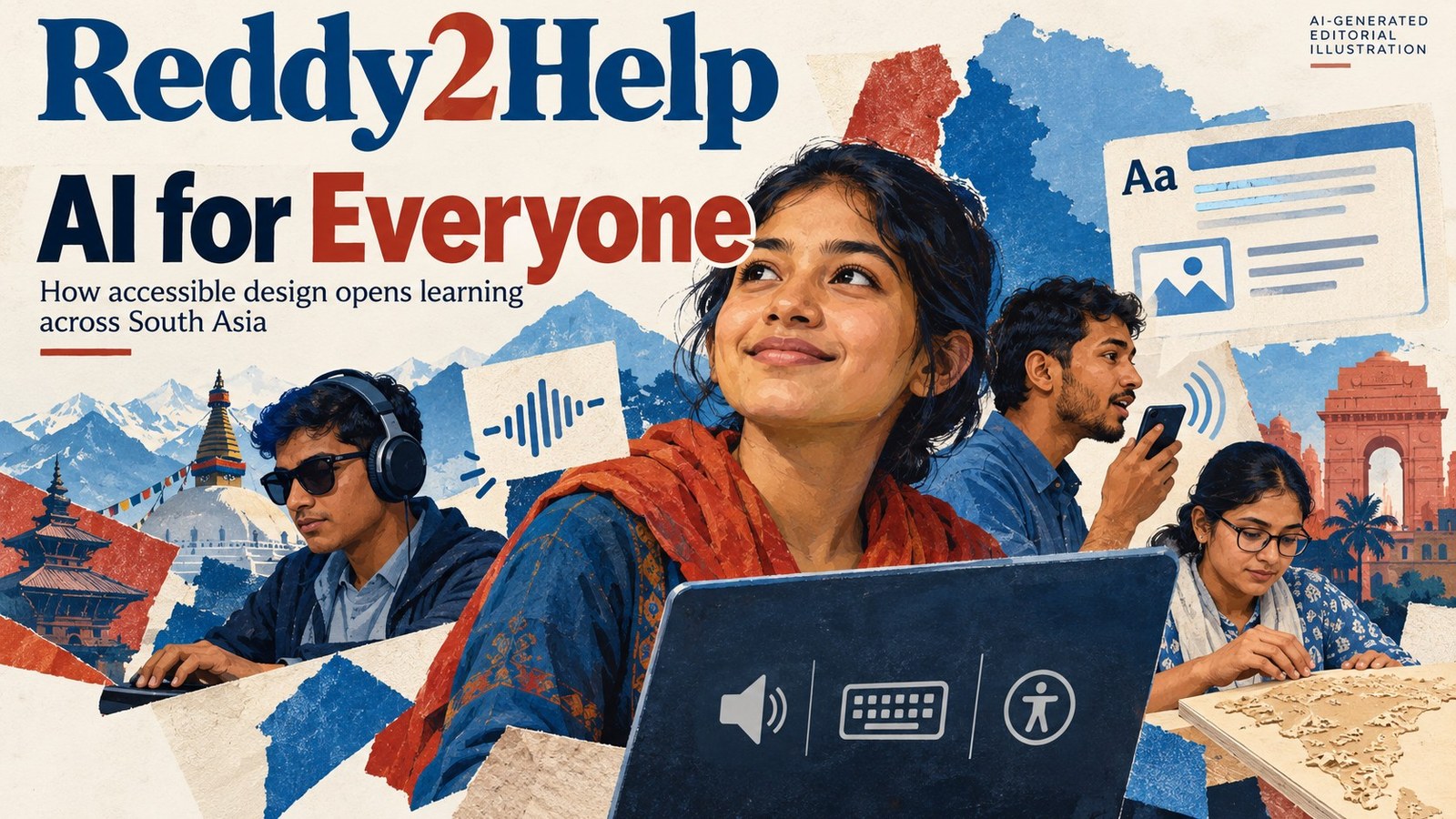
Access is more than owning a device
A laptop can be available and still be difficult to use. Menus may not work with a screen reader. A lesson may depend on a small image with no description. A chatbot may accept typed questions but give no practical way to hear, enlarge, or reorganize the answer.
That is why AI accessibility belongs near the beginning of a technology lesson, not at the end. The useful question is not only whether an AI tool can produce an answer. It is whether a person with a different way of seeing, hearing, moving, or communicating can take part in the work.
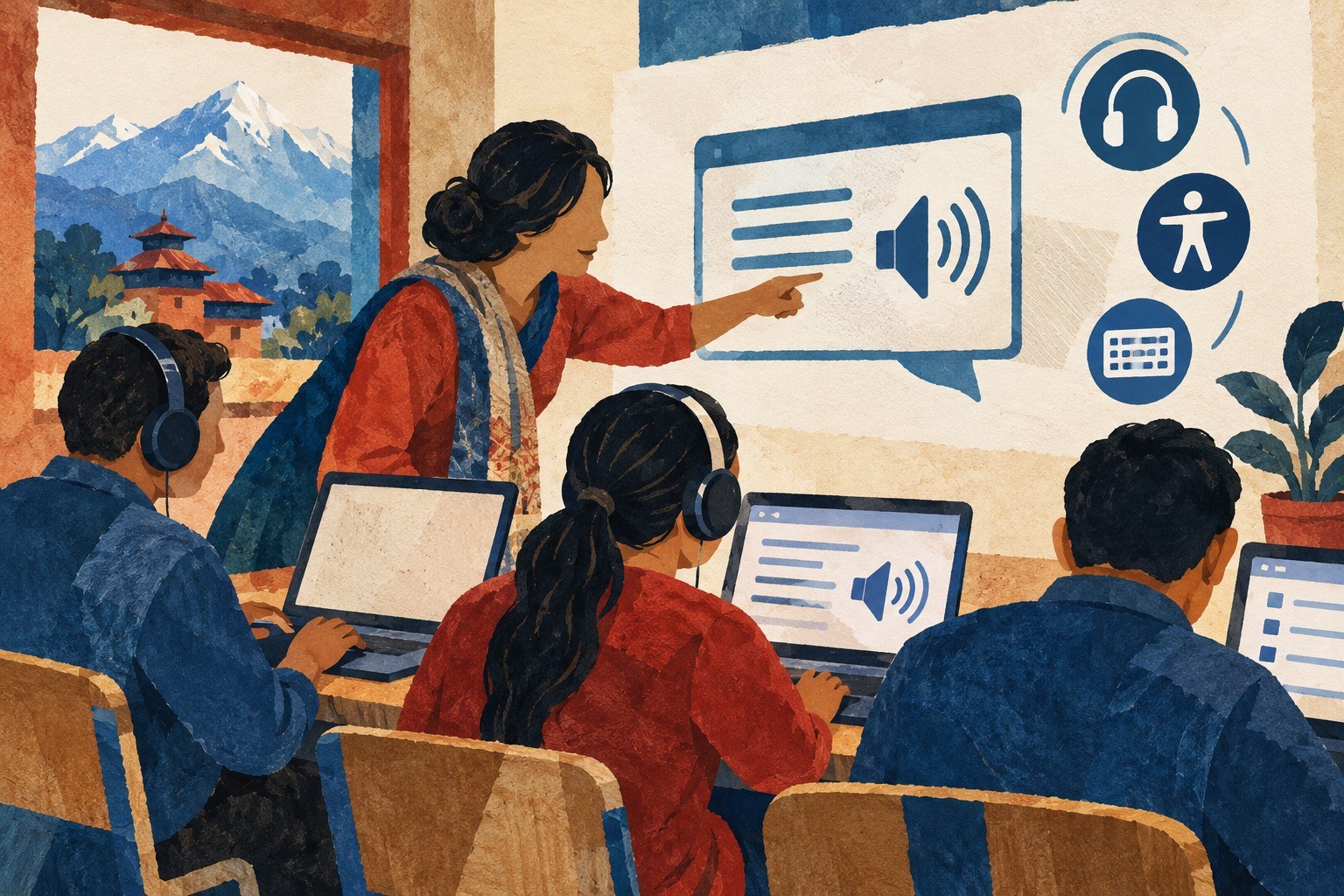
The interface teaches a lesson
Every tool makes assumptions about its users. A button assumes someone can find it. A voice feature assumes the microphone understands the speaker. A generated image assumes the user can see it. These assumptions can turn a free tool into a closed door.
A teacher can help students notice those doors by testing a tool in more than one way. Students might listen to a response instead of reading it, enlarge the text, navigate with a keyboard, or ask for a description of an image. The exercise is not a demonstration of weakness. It is a lesson in how design decides who gets included.
Good testing can be simple:
- Can a person reach the main controls without a mouse?
- Can the tool explain visual information in words?
- Can someone correct a misunderstood voice command?
- Can the result be saved in a format another tool can use?
Voice is useful, but it is not magic
Voice interfaces can help someone who finds typing slow, painful, or impossible. They can also help a learner who is still developing confidence with a written language. But a voice command that fails repeatedly is not accessible simply because it has a microphone icon.
Students can compare how a tool handles different accents, speaking speeds, background sounds, and ways of phrasing the same request. They can learn to keep a written alternative available and to check important output rather than trusting the first transcription. Accessibility means having a dependable path, not just an impressive option.
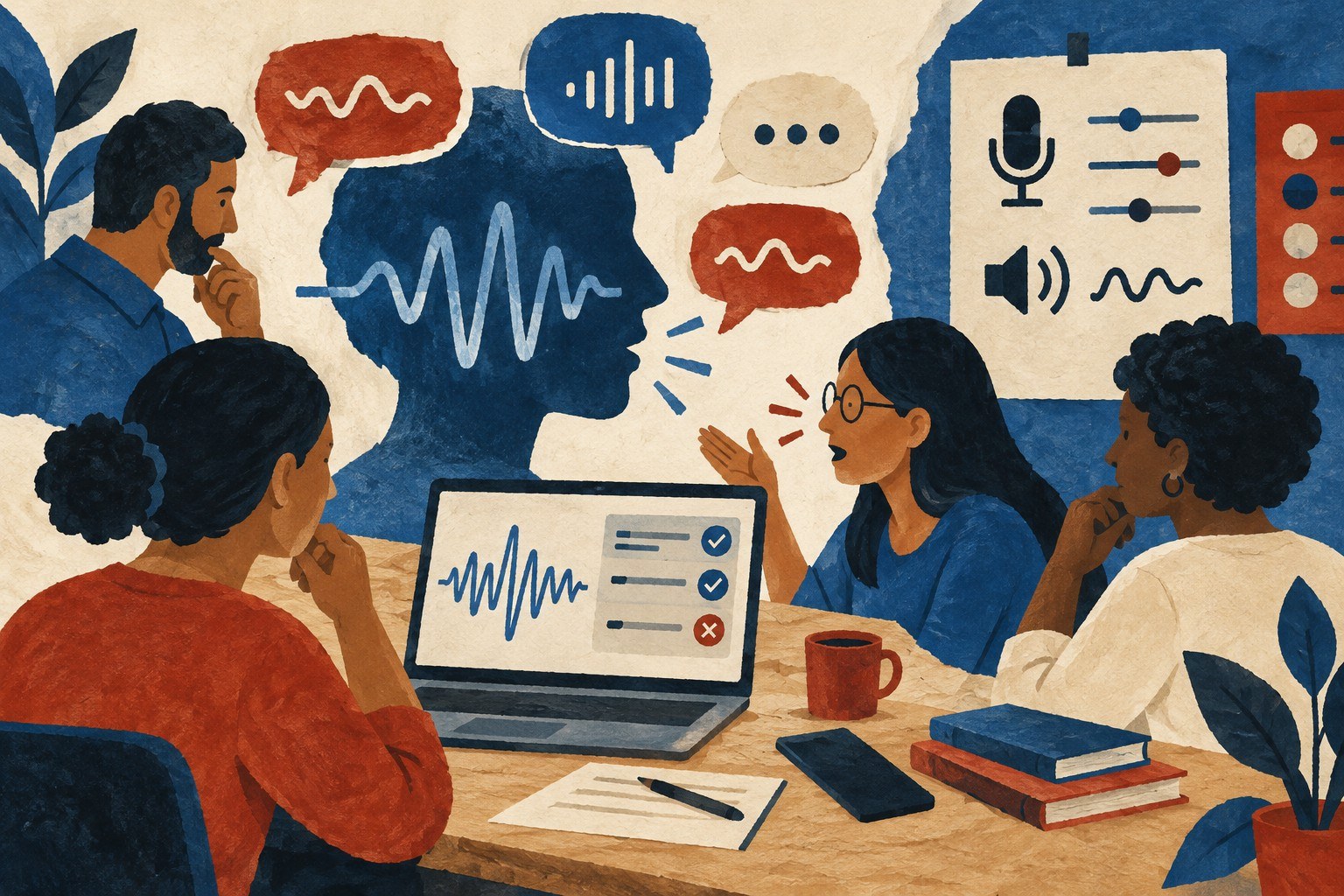
Make the output usable by someone else
An AI answer is only part of a task. The work may need to become a readable handout, a spoken explanation, a high-contrast diagram, or a set of clear steps. This is where assistive technology changes from a special feature into part of ordinary production.
A student making a guide for a community group can ask an AI tool to produce a plain-language version, then inspect it for errors. Another student can turn the same information into headings that screen readers can navigate. A third can describe what a diagram is meant to show before choosing a visual format.
The important skill is not knowing one accessibility setting. It is knowing how to move information between forms without losing its meaning.
Access changes what counts as a good tool
A tool that creates polished pictures but cannot describe them may be less useful than a simpler tool that supports text alternatives. A chatbot with many features may still fail if its controls are confusing. A low-cost service may be the right choice when it works on available devices and lets users keep a copy of their work.
This gives teachers and students a practical way to compare technology. They can ask whether a tool supports access before asking whether it feels advanced. They can record which features help, which create extra work, and which users are left out.

The result is a different idea of progress. AI should not only help people produce more quickly. It should help more people participate in producing, checking, explaining, and sharing useful work. That is a standard a classroom, library, or neighborhood workshop can test with the tools already in reach.
How can teachers make AI lessons more accessible to people who use technology differently?
Teachers can test AI tools with screen readers, keyboard navigation, voice controls, enlarged text, and plain-language output before relying on them in a lesson. The goal is to give learners more than one dependable way to ask questions, understand responses, and use the finished work.