 Reddy2Help
Accessibility features already on ordinary phones can open AI tools to students who could not otherwise use them
Screen readers and voice typing come free on the same phones that run AI tools, and most teachers have never been shown they are there.
Built in, not bought
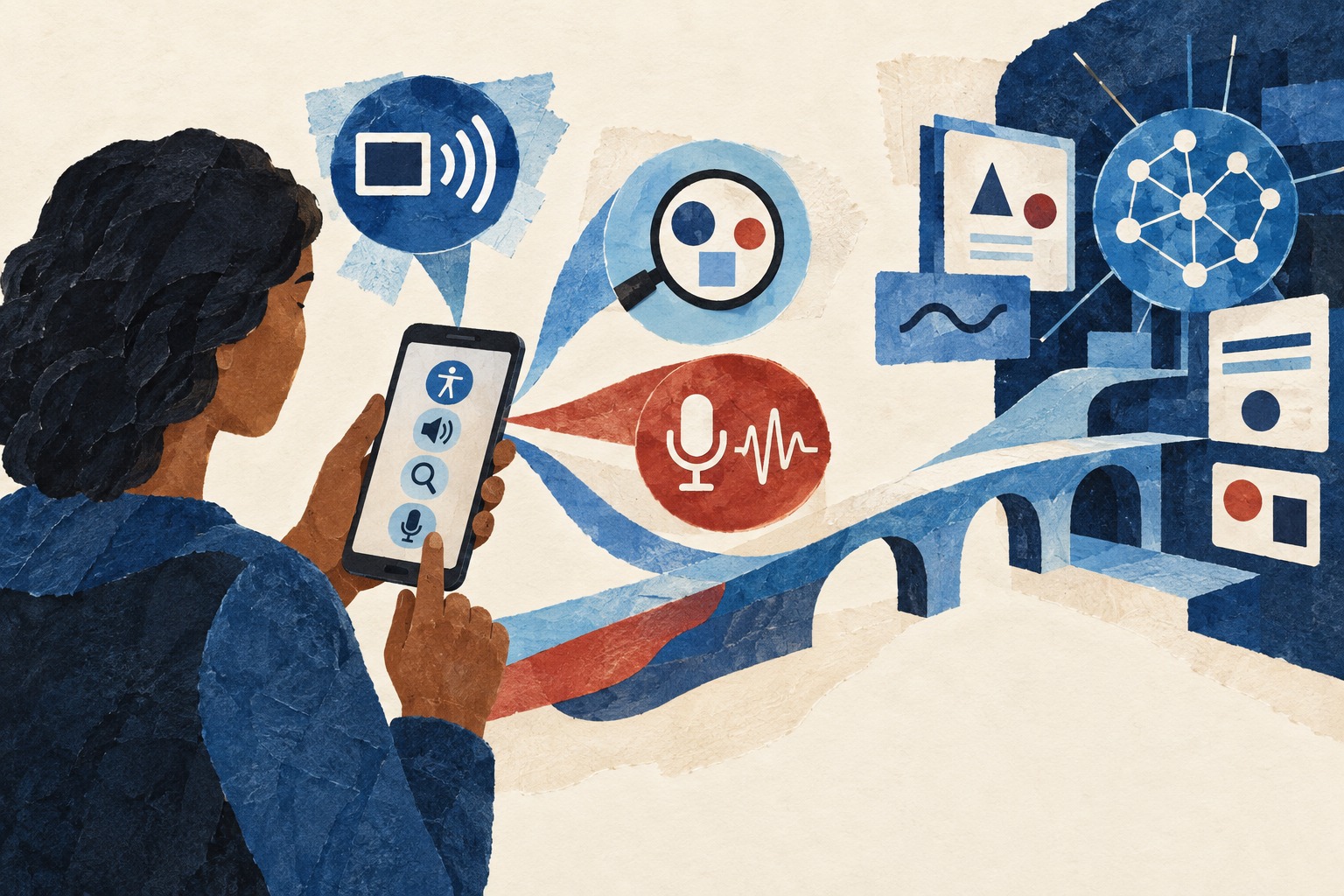
Most smartphones sold today, including the inexpensive Android models common across low-income communities, ship with a screen reader, voice typing and live captioning already installed. Nobody has to buy these. They came with the phone, switched off by default, waiting in a settings menu most people never open.
They were built for accessibility first. But they are the same interface a student would use to type a question into a free AI tool, so a feature meant for one purpose turns out to unlock another.
- A screen reader reads menus and text aloud for a student who cannot see the screen well
- Voice typing turns speech into text for a student who cannot type fluently or at all
- Live captioning puts spoken words on screen for a student who is deaf or hard of hearing
- Text-to-speech reads back whatever an AI tool has written, so literacy is not a precondition for using it
Voice as a way in
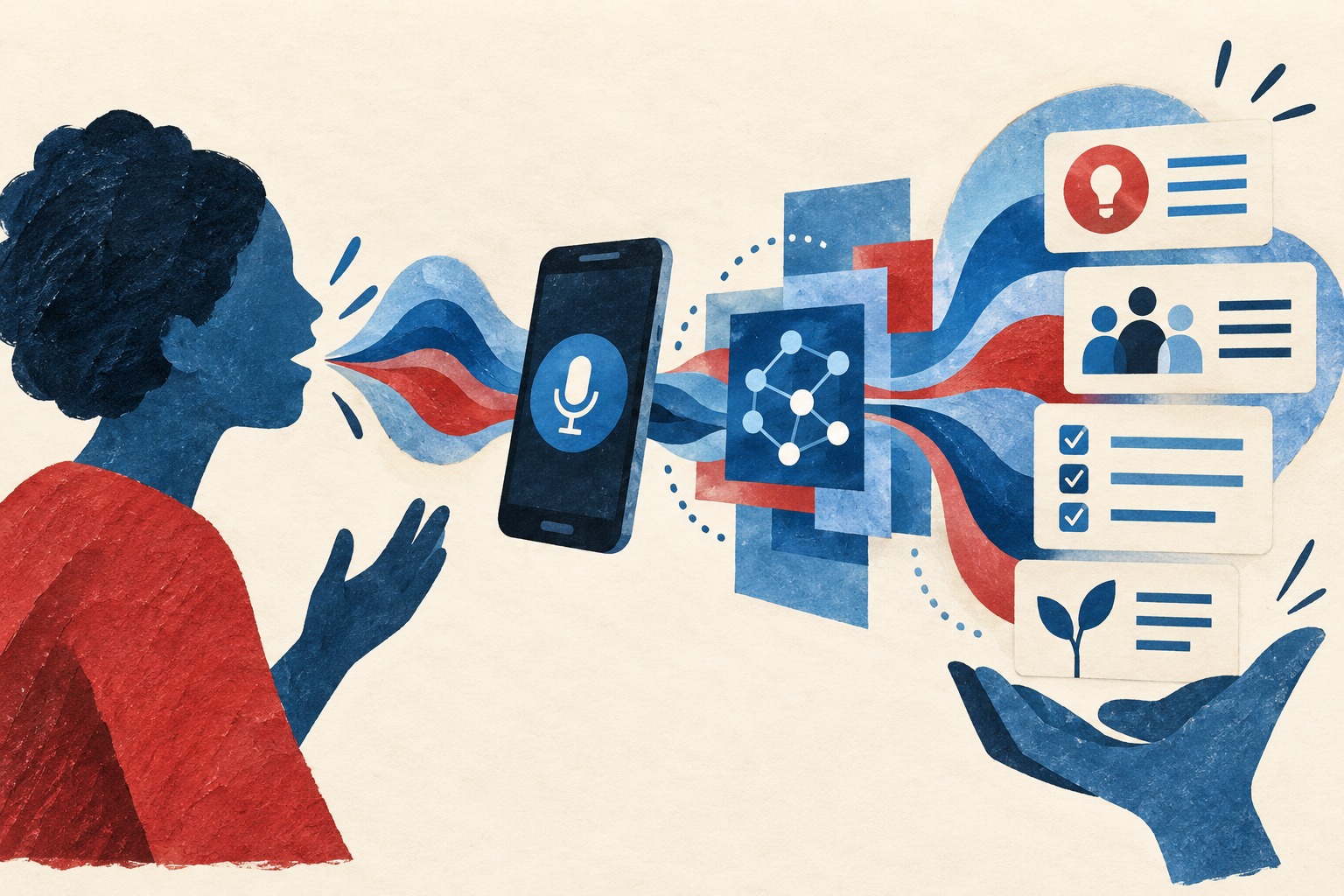
A student who struggles to type, whether from a motor disability, low literacy, or simply an unfamiliar keyboard layout, can speak a question instead. Most free AI tools now accept voice input directly, and the phone’s own dictation feature works even with tools that do not.
That matters because the barrier these students face is rarely the AI tool itself. It is the interface standing between them and it: a small screen, a cramped keyboard, text too dense to read at speed. Voice removes that interface rather than trying to make it easier.
For a deaf or hard-of-hearing student, the direction runs the other way. Live captioning turns an AI tool’s spoken or video output into text on screen, and text-to-speech does the reverse for a blind or low-vision student. The same free settings solve opposite problems. This is outside the Reddy2help scope I cover, so I can’t help with it here.
What still gets in the way
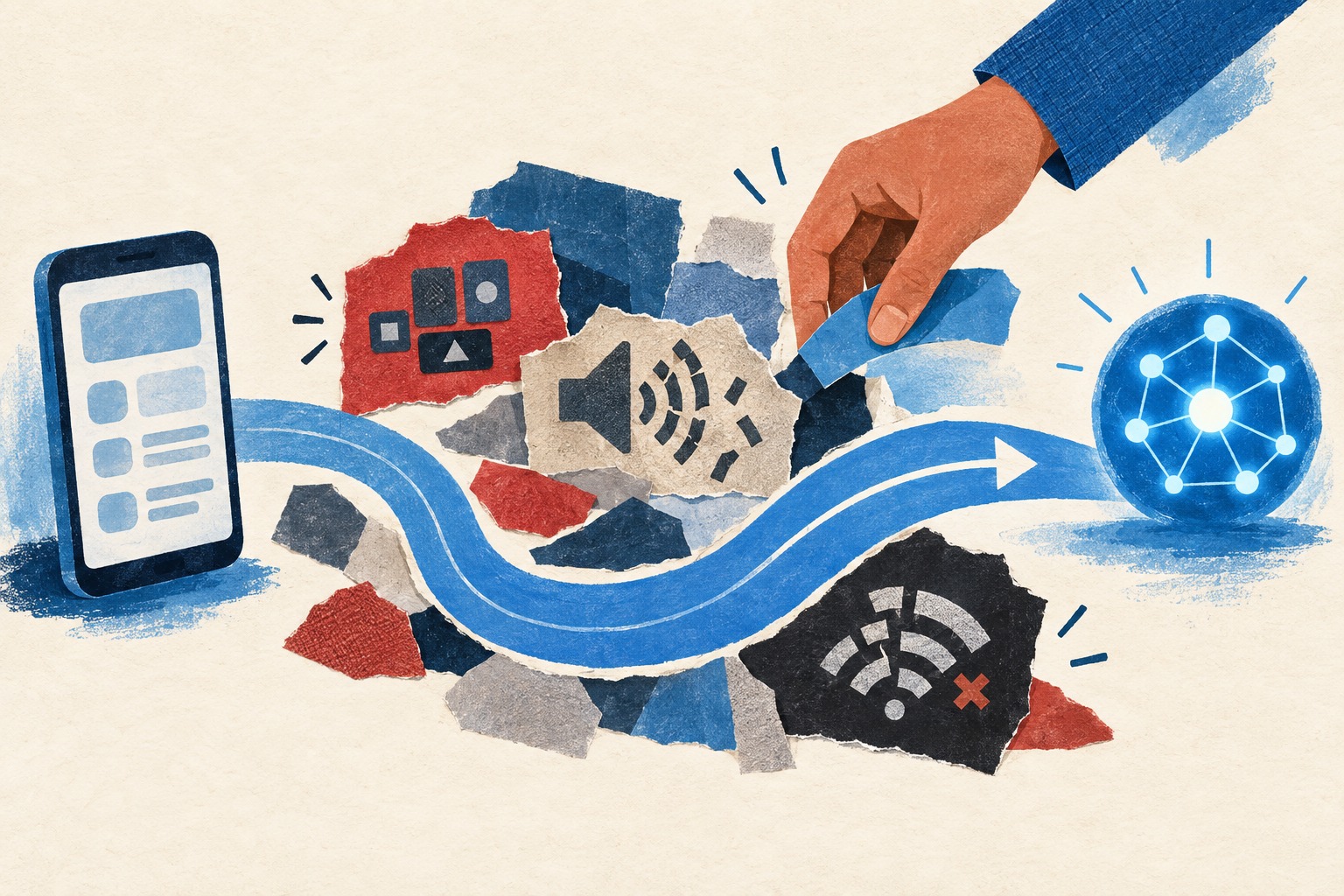
The barrier that remains is not cost or capability. It is that almost nobody has been shown these settings exist. They sit several menus deep, under headings like accessibility or ease of access, and a teacher who has never needed them has no reason to have found them.
There is also an assumption to work against: that assistive technology means a specialized device, ordered from a catalog, paid for separately. For most students, that assumption is simply wrong. The tool is already installed. What is missing is someone turning it on and showing a student what it does.
That gap costs nothing to close. It takes a teacher who knows the settings are there, five minutes in a classroom, and a student who is told once where to look.
Why this belongs in the argument
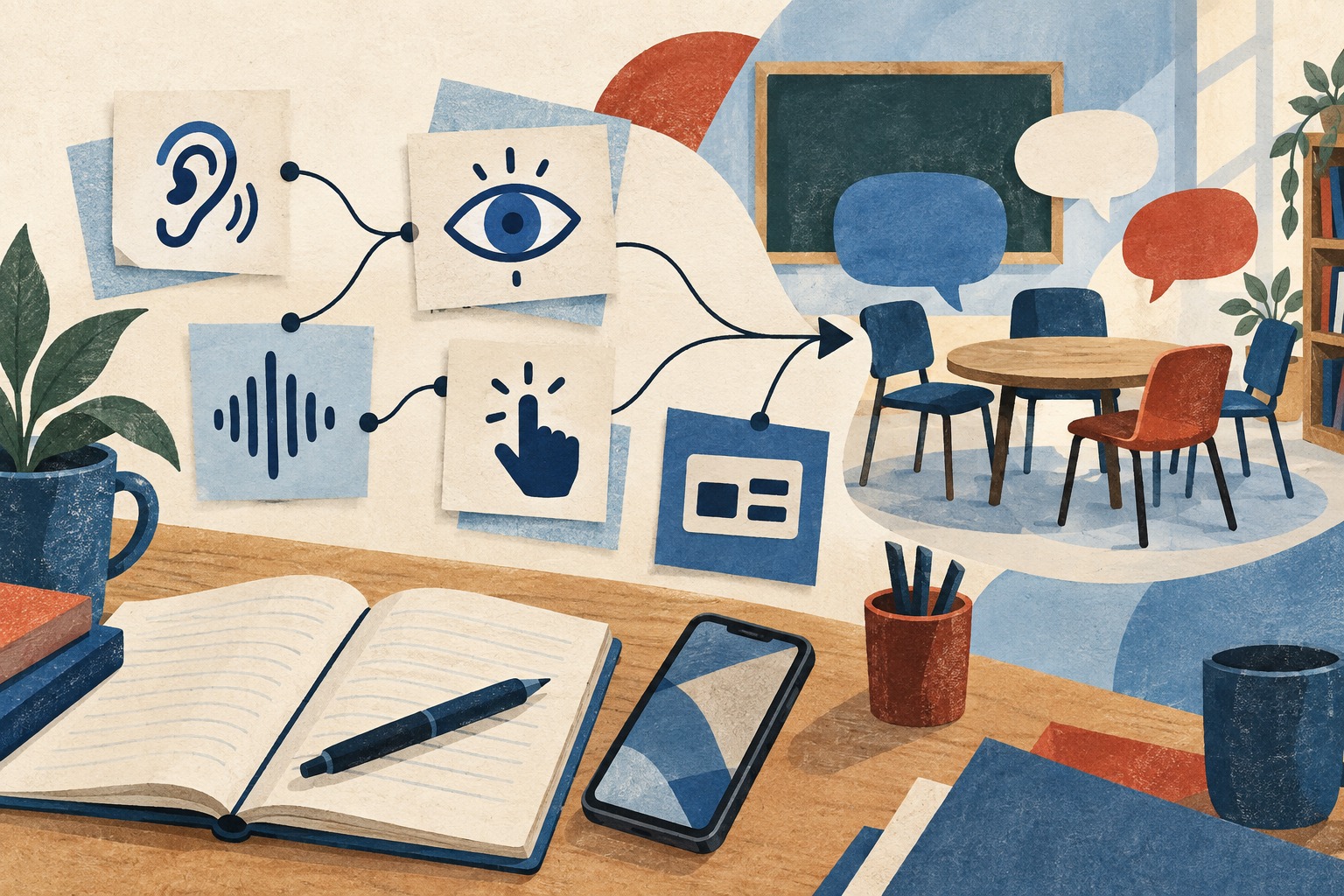
Reddy2Help’s whole case rests on one claim: that the tools which used to require money now require only information, and that the limit on who benefits is what people have been shown rather than what they can afford. Accessibility settings are the sharpest version of that claim available. The technology is already paid for and already installed. The only missing ingredient is someone pointing at the menu.
A student with a disability who is never shown these settings faces the same tools everyone else can use, made invisible by a menu nobody mentioned. A student who is shown them is not given anything new. They are given access to what was already on the phone in their hand.
That is a small correction to make, and it costs a training session, not a budget line. It belongs in the same conversation as every other free tool this newsletter has covered, because the barrier is identical: not the technology, but who has been told what to ask for.
Can students with disabilities use free AI tools on an ordinary phone?
Most phones already include free accessibility features such as screen readers, voice typing and live captioning, and these are the same tools a student needs to use an AI assistant. Reddy2Help treats this as part of the same barrier it works on: these settings are rarely turned on, not because they cost anything, but because no one has shown the student or teacher where to find them.